
Related: Standing Desk Wobble: What Actually Fails at Full Height
I size desks for a living. Nine years buying furniture for 400-person floors, then six years building out 310 home offices, and the same mistake shows up in most of them: the desk gets bought before the person knows their own numbers. This standing desk height guide is the fix for that order of operations. Measure your elbow height, write down your seated number and your standing number, and only then start shopping. The four desks here cover a wide price spread, and each one is right for a specific person and wrong for another.
The math is not complicated. Let your arms hang, bend your elbows to roughly 90 degrees, and measure from the floor to the point of the elbow. That is your desk height, seated or standing. Everything else, monitor height, keyboard tray, footrest, is a correction layered on top of that one number. Get the desk number wrong and no accessory rescues the setup. Get it right and the least expensive desk in this guide can beat a far more expensive one that never reaches your standing height.
Best Overall: FLEXISPOT 63"x28" Electric Standing Desk, White
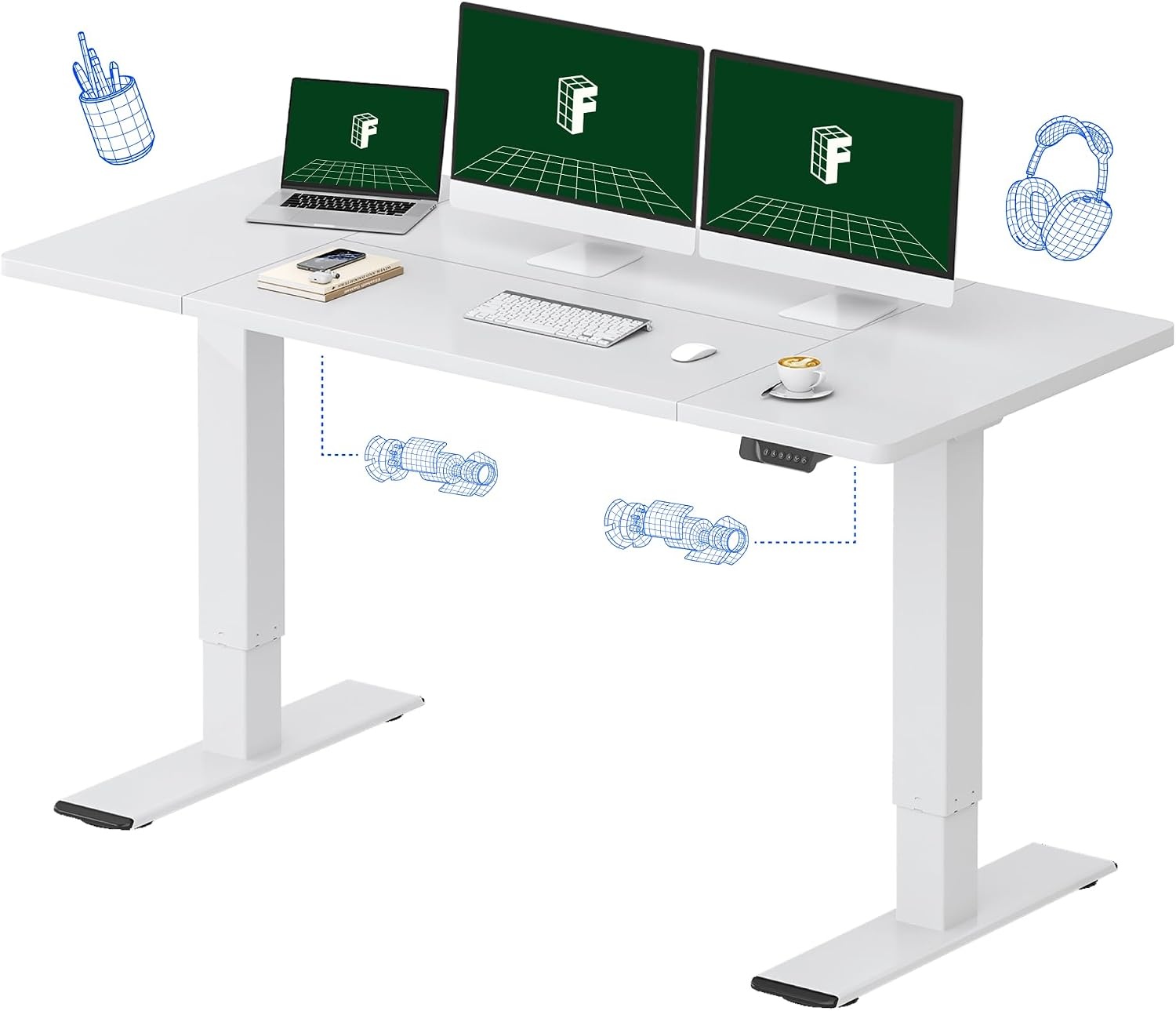
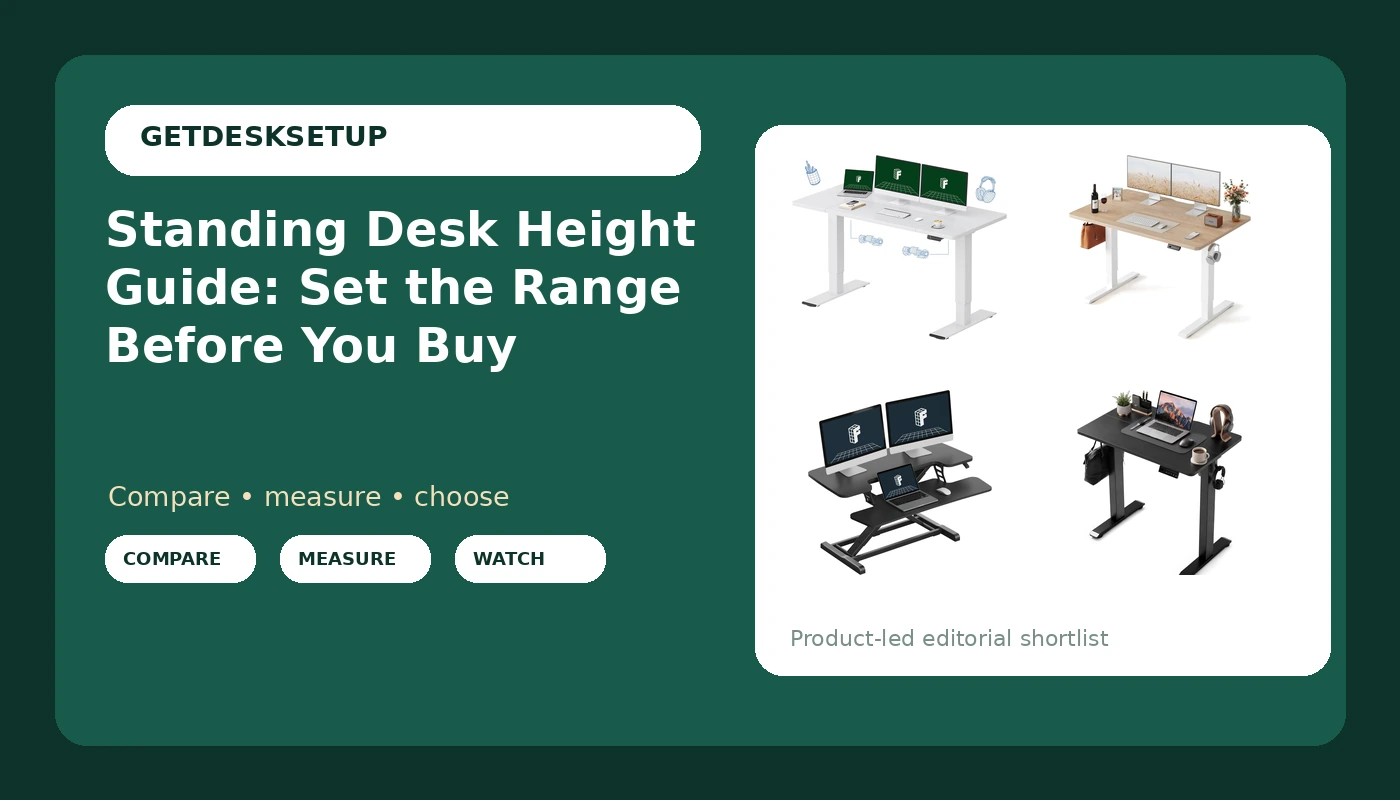
63 inches wide by 28 inches deep is the desktop size that fixes the problem most people underestimate: monitor distance. Depth is the number that decides whether you lean in all day. A 28-inch top lets you push a 27-inch monitor back to a real viewing distance and still keep a keyboard in front of it. The 63-inch width is what makes a dual-monitor setup plus a laptop possible without stacking screens on top of each other, and stacking is the arrangement that ruins necks.
The white finish is a practical choice, not just a look. It bounces light in a small room, and it shows the dust that a black top hides, which means you actually clean it.
If I had to hand one desk in this guide to a client for a year, it would be this one, because the desktop gives the rest of the setup room to be correct. The height range is the part you verify. The listing publishes a range, and your standing number from the chart below has to land inside it with an inch or two to spare.
Who should skip it. Anyone without 63 inches of clear wall. I will not recommend a desk to a room without naming the minimum, and this one needs 63 inches of width plus a few inches of breathing room so the top does not fight a door frame or a radiator. Skip it too if you only ever work from a laptop and never use an external monitor, because you would be paying for width you never fill.
Best Value: FEZIBO Standing Desk 48 × 24 Inch Electric Height Adjustable, Maple
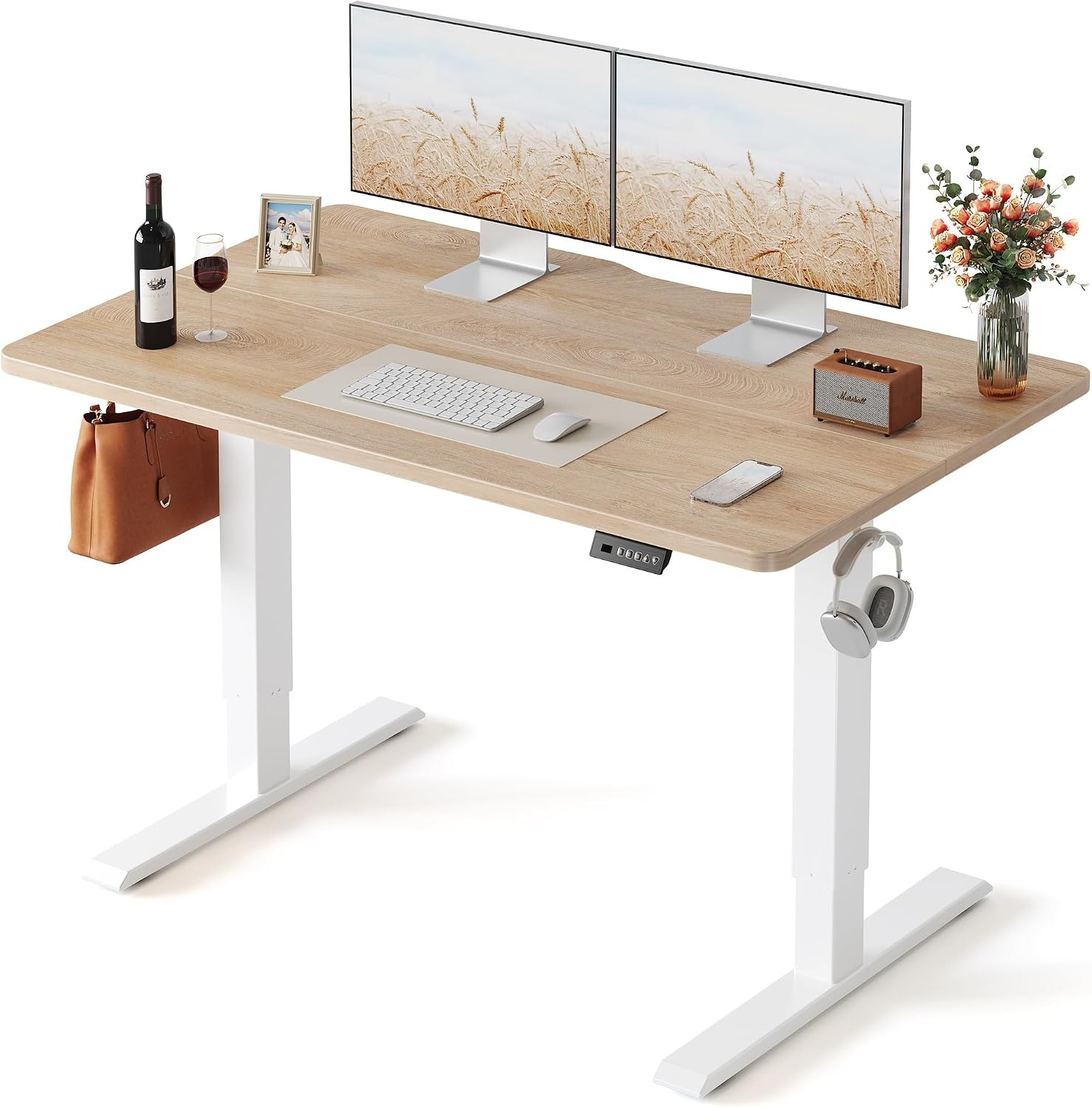
48 by 24 is the honest single-monitor footprint, and it is the size I put in most spare bedrooms turned offices. The maple top reads warmer than the usual black laminate and hides fingerprints better.
Here is the catch with a 24-inch depth: a monitor on its own stand sits too close, usually closer than an arm's length. Clamp a monitor arm at the back edge, push the screen toward the wall, and you buy back six or eight inches of viewing distance without buying a bigger desk. That one accessory does more for this desk than any other upgrade.
Pair it with a chair that goes low enough. The desk number and the seat number are a system. If your seated desk height is 25 inches and your chair will not drop the seat pan below 19, you end up with your shoulders around your ears and you blame the desk.
Who should skip it. Anyone running two 27-inch monitors side by side. 48 inches of width will not hold them with any gap, and squeezing them in means angling both screens, which is worse than one screen set up correctly. Skip it if your standing number sits near the top of the published range and you want headroom above it, and skip it if you keep a full-size keyboard, a notebook and a second device on the desktop and expect clear space left over.
How I tested
I test every desk the same way, with a tape, not a spec sheet.
First, the range check. I set the desk at its lowest and highest positions and put a tape on the frame, because published ranges and real ranges sometimes disagree by an inch, and an inch is the difference between level forearms and a permanent shrug.
Second, the standing wobble check. I raise the desk to the top of its range, load the desktop the way a real setup loads it, and push the front edge. Most desks are fine at seated height and vague at standing height. That is the number tall users live at, so that is the number I test.
Third, the load path. I check where the weight actually goes, and whether the desktop flexes in the middle when I lean on it. A 48-inch top and a 63-inch top do not flex the same way under the same monitor arm.
Fourth, the cable path. A tray that sags under its own screws after a month is worse than no tray, because a sagging tray pulls on the monitor cable and changes the monitor angle within a week. I look at the screws and the material, not the marketing photo.
Fifth, the width and depth against the person. I keep a notebook of every number I take. If I cannot say the desk width in inches and the seated height in inches, I have not finished the test.
Analysis and test results
Three things decide whether a standing desk works, and none of them are motor speed.
Wobble at the top of the range. This is the failure that matters. A desk can be rock solid at 30 inches and disappointing at 45, and 45 is where a six-foot user stands. Before you trust any electric desk, raise it to your standing number, not the one in the demo video, and push the front edge with two fingers. If the monitor moves, you will feel it in your eyes by the end of the day.
Width first, then depth. A 32-inch top is a laptop desk. A 48-inch top holds one monitor plus a laptop. A 63-inch top holds two monitors plus a laptop, or one large monitor with real space around it. Depth decides your viewing distance. 19 inches is shallow, 24 is workable with an arm, 28 is comfortable.
The range has to contain your number. That is the whole point of the chart below. A desk that stops two inches below your standing elbow height is not a standing desk for you, it is a tall sitting desk. That is a fit problem no accessory fixes.
Then there is the room. Every desk has a minimum wall width, and for the desks in this guide that number is printed in the product name: 32, 48, 63, and 36 for the converter. Measure the wall before you measure anything else. A 63-inch desk in a 55-inch alcove is a return shipment.
The last piece is the cable run. Desks that move need slack somewhere. If the tray is small and the cables are short, the desk tugs on whatever is plugged in at the top of its travel, and the first thing to shift is the monitor angle. Give the run enough slack to travel the full range, and tie it so it cannot catch on the frame.
The standing desk height chart
These numbers come from the elbow-height rule, which puts a standing desk at roughly 0.62 times your height and a seated desk at roughly 0.37 times your height, with the top of the monitor at or just below eye level. They are starting points, not gospel. Measure your own elbow height first, then use the chart to sanity check it.
| Your height | Seated desk height | Standing desk height | Monitor top when standing | Notes |
|---|---|---|---|---|
| 5'0" (60 in) | 21-23 in | 37-38 in | 55-57 in | Short users need a range that goes below 24 in, or a footrest |
| 5'2" (62 in) | 22-24 in | 38-40 in | 57-59 in | Check the low end of the range before the high end |
| 5'4" (64 in) | 23-25 in | 39-41 in | 58-60 in | Easiest height to fit in most desks and chairs |
| 5'6" (66 in) | 24-26 in | 40-42 in | 60-62 in | Keyboard should sit at or just below elbow height |
| 5'8" (68 in) | 24-26 in | 42-43 in | 62-64 in | Watch wobble in the top third of the range |
| 5'9" (69 in) | 25-27 in | 42-44 in | 63-65 in | The number I check most often for clients |
| 5'10" (70 in) | 25-27 in | 43-45 in | 64-66 in | A monitor arm earns its place here |
| 6'0" (72 in) | 26-28 in | 44-46 in | 66-68 in | Confirm the desk reaches your standing number before ordering |
| 6'2" (74 in) | 27-29 in | 45-47 in | 68-70 in | Test the top of the range first, not the middle |
| 6'4" (76 in) | 27-29 in | 46-48 in | 69-71 in | If the range tops out below 48 in, skip that desk |
Read the chart this way: find your height, then check whether the standing number fits inside the height range the listing publishes, with an inch or two above it. If you land between two rows, take the higher standing number. If you wear thick-soled shoes at the desk, add half an inch. The seated column matters just as much, because a desk that will not go low enough forces you to raise your chair until your feet dangle, and a footrest is the patch for that, not the fix.
FLEXISPOT Standing Desk Converter, 36", Black
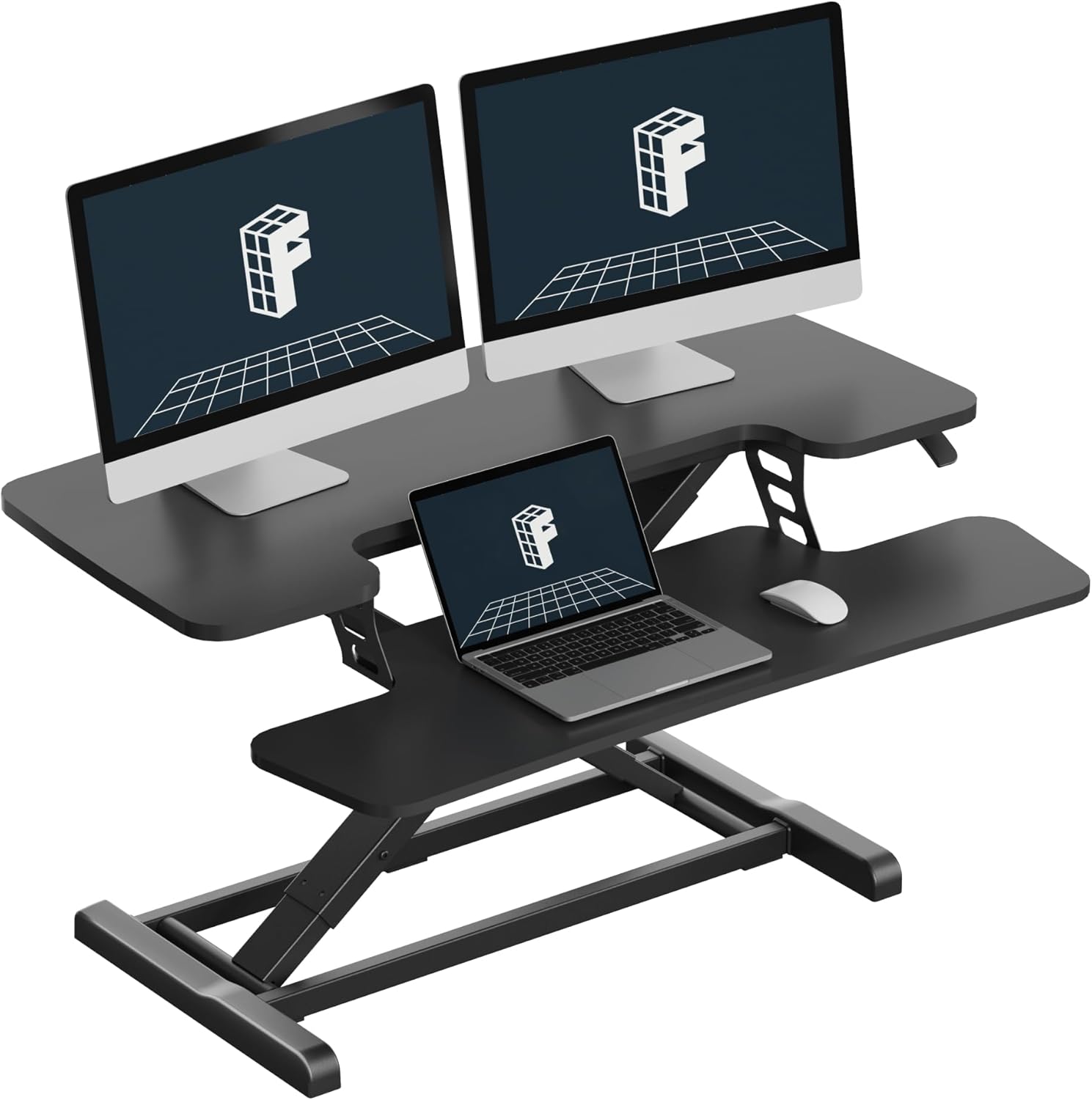
A converter is the answer when the desk itself is fine and the range is the problem, or when the room will not take another piece of furniture. This one sits on top of a fixed desk and raises the work surface to standing height, so you keep your drawers, your existing footprint, and whatever the desk is anchored to.
36 inches of width makes it a single-monitor or laptop platform. The split between the tiers matters more than the width: keyboard on the lower tier, monitor on the upper tier, forearms level when you stand. If you leave the keyboard on the fixed desk below and put the monitor on the converter, you are back to reaching for the keys.
The limit is stability at height. A converter lifts the whole load, so the heavier your monitor, the more the platform has to resist. Raise it to your standing number with the monitor mounted before you trust it for a full day.
Who should skip it. Anyone whose fixed desk is shallow, because a converter eats depth you may not have. And anyone who wants to change posture without moving anything: a converter is a manual raise, and the honest answer is that plenty of people stop raising it by week three.
Claiks Electric Standing Desk, 32×19 Inch, Black
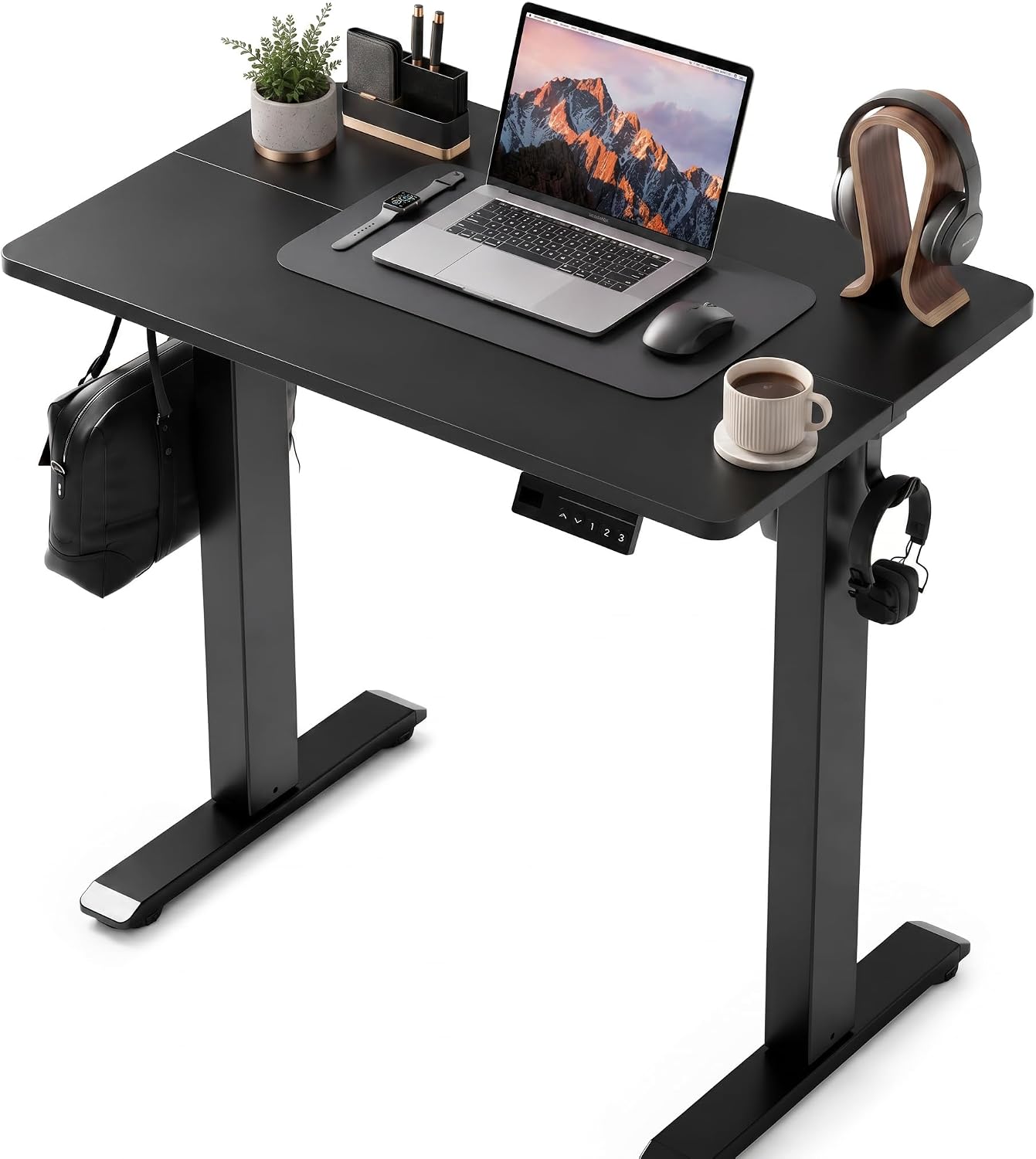
32 by 19 is a laptop desk, and I mean that literally. It is the size for a small room, a rental, a dorm, or a second workstation that gets used an hour a day. Electric height adjustment at this footprint is the point: you get the range without giving up floor space.
The 19-inch depth is the number to watch. A monitor on its own stand at that depth sits too close, so an arm clamped at the back edge is close to mandatory, and even then you are working with less viewing distance than a 24-inch top gives you.
Who should skip it. Anyone running an external monitor plus a laptop side by side, anyone with a full-size keyboard and a wrist rest, and anyone whose standing number sits above the top of the published range. This is a correct setup for one person with one screen and an incorrect one for almost everybody else.
Should you buy FLEXISPOT 63"x28" Electric Standing Desk, White?
Yes, if your standing number fits the published range and you have 63 inches of clear wall. This is the desk where the desktop dimensions do the work: 28 inches of depth for a real viewing distance, 63 inches of width for two screens and a laptop without stacking. It is the one I would put in a client's office for a year.
The trade-offs are space and money. It takes the most wall of anything here, and if your room cannot give it 63 inches, do not force it. If your standing number sits at the very top of its range with no headroom, look elsewhere instead of compromising.
Should you buy FEZIBO Standing Desk 48 × 24 Inch Electric Height Adjustable, Maple?
Yes, for one monitor and a laptop in a room that can give it 48 inches of wall. It is the value pick because it does the two things that matter at this size: electric adjustment across the range, and a desktop deep enough that a monitor arm can fix the viewing distance. The maple finish hides dust, which sounds small until you have owned a black top.
Skip it if you need two screens side by side, if you want headroom above your standing number, or if your chair will not drop low enough to match the seated height. In that last case, fix the chair first, because no desk in this guide will out-fit a seat pan that is two inches too high.