The first thing I check when I hand a finished home office back to a client is not the chair. It is what happens under the desk when the sit-stand frame goes up. Adhesive clips vs screw mounted clips is the argument that decides whether that cable run survives the first month, and the clip itself almost never settles it. The surface, the weight of the run, and whether the desk is ever going to move settle it.
I have built out enough desks to have a firm opinion. The short version: an adhesive clip is the right call for most home setups, and a screw mounted clip is right in two narrow cases. The long version involves surface prep, removal damage, and the fact that a cable pulling on a monitor arm changes the monitor angle within a week. Nobody notices that until their neck hurts.
Related: Monitor Arm Cable Routing Without Sag
The best pick for most home desks is a clear adhesive clip pressed onto a clean, flat, non-porous surface, with screws reserved for a permanent run under a fixed desk or along a wall. Buy the 50-pack rather than the 100-pack, spend the difference on a surface you can actually stick to, and treat every adhesive pad as a wear item that will need replacing eventually.
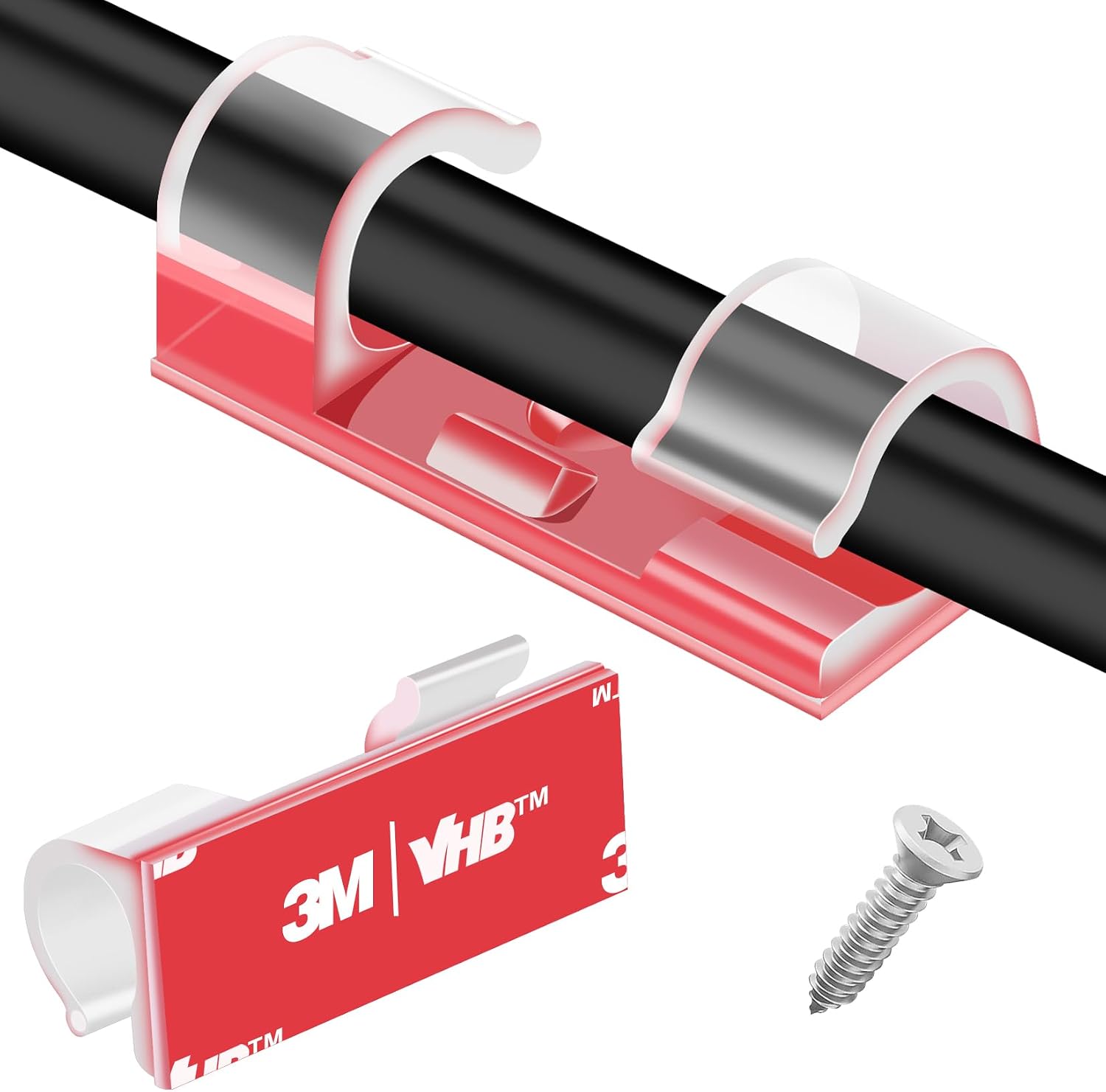
XHF 50pcs Medium Self Adhesive Cable Clips Clear
Clear body disappears against a light desktop and a white frame, and the medium size suits a couple of thin runs
Clear pads still let go of a dusty laminate, so you will re-stick a few
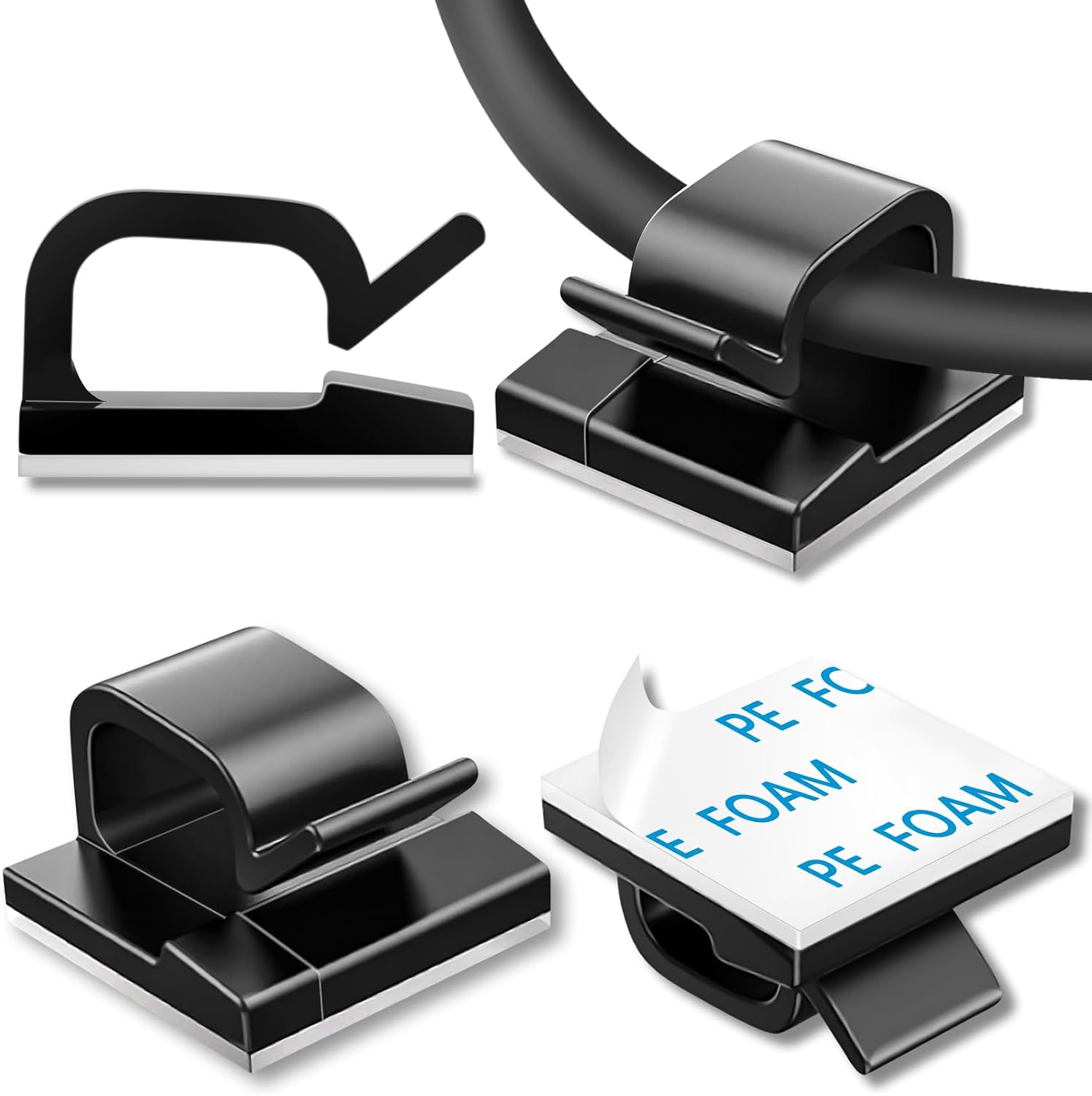
100 Pcs Cable Clips, Adhesive Cable Organizer Cord Holder
100 pieces covers a full desk run with spares, and black hides under most desktops
Bulk packs usually mean thinner pads, and it is easy to over-clip and waste half on a move
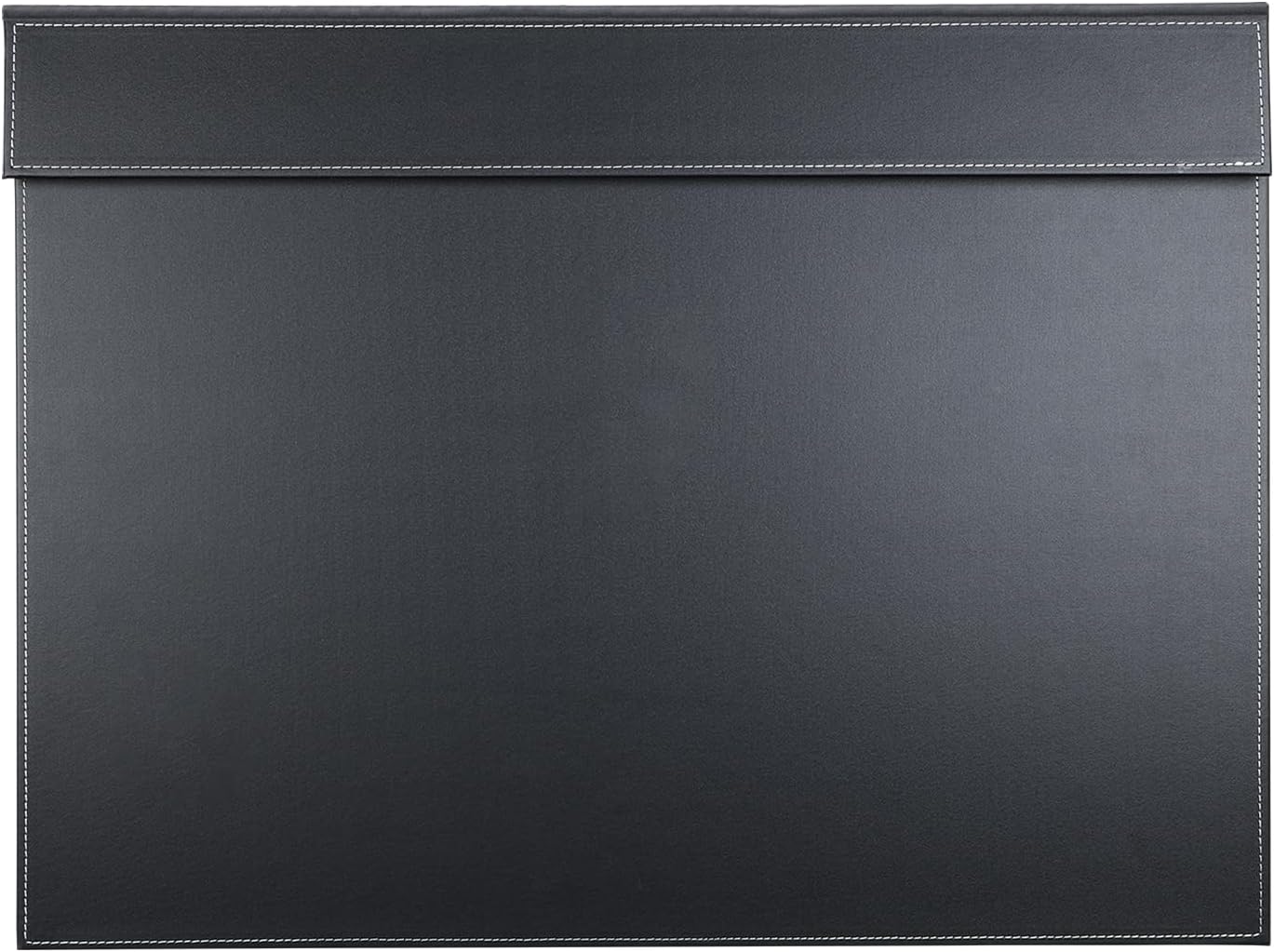
KINGFOM Ultra-Smooth PU Leather Desk Pad & Mat, 24''x18''
Gives adhesive clips one consistent surface to bite, and protects the finish from the residue you will peel off later
Not a clip at all, and it does nothing for cable routing on its own
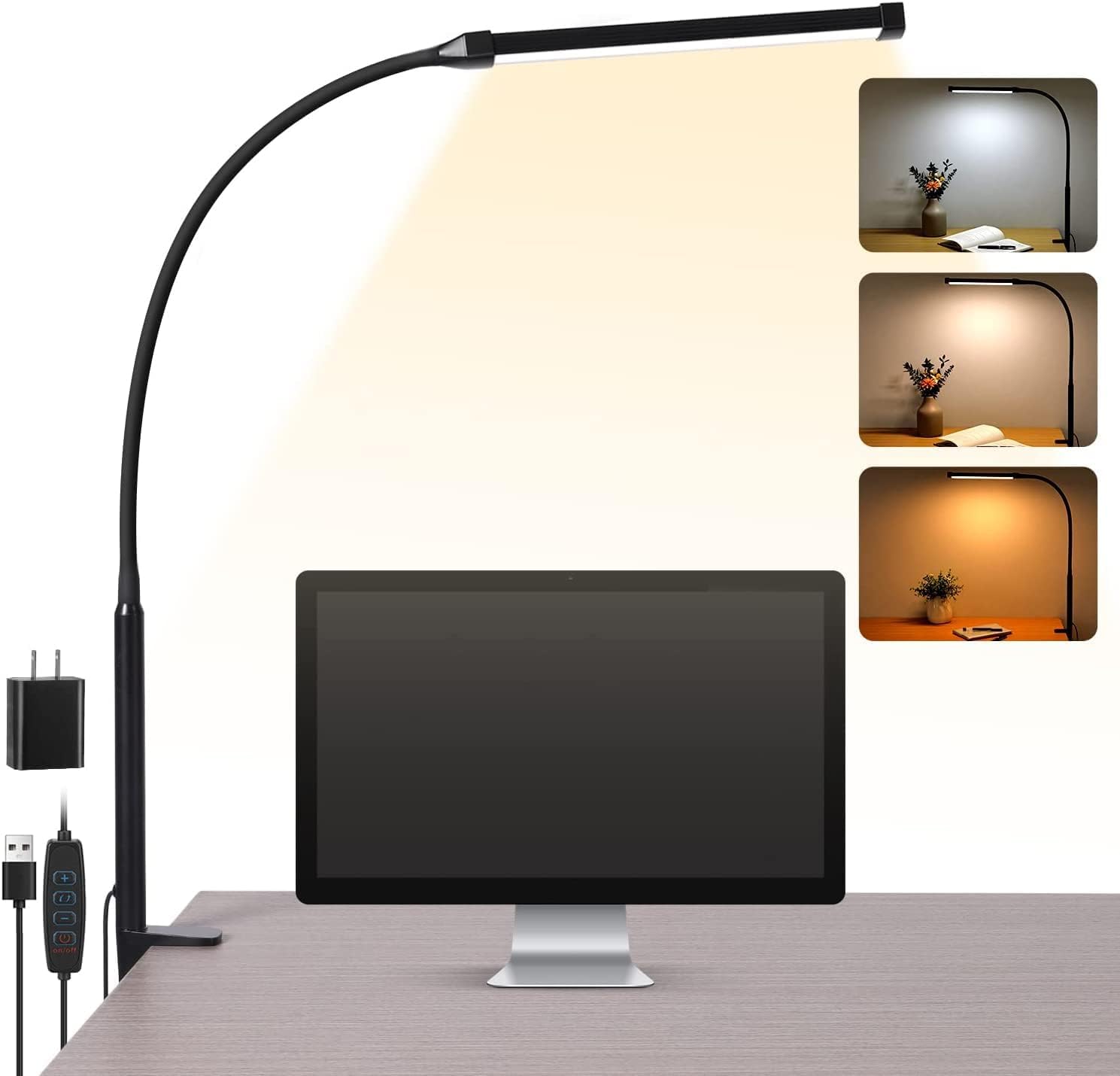
Voncerus LED Desk Lamp with Clamp, Clip on Lights for Home Office
A clamp is the screw mount's cousin, no adhesive and no drilling, and the fixture hangs off the edge instead of eating desktop
Clamps only fit a range of edge thicknesses, and it is a lamp, not a clip
Prices and availability may change.
Adhesive clips vs screw mounted clips: the real difference
An adhesive clip is a hook with a foam or gel pad on the back. You peel the liner, press, and wait. A screw mounted clip is the same hook with a hole in the base and a screw, or a small bracket that goes into wood, steel, or drywall. The difference between adhesive clips and screw mounted clips is not strength in the abstract. It is where the load goes. Adhesive puts the entire load into a shear force spread across a pad the size of a thumbnail. A screw puts the load into whatever material sits underneath it.
That single distinction explains almost every result you will get. On a laminate or melamine desktop over particleboard, adhesive is fine and a screw is a mistake, because the core is sawdust and glue and a stripped hole cannot be refilled with anything that holds. On solid wood, a wall stud, or the steel rail of a fixed desk, screws win outright and adhesive is the compromise.
If you have ever watched a screw mounted clips vs adhesive clips thread turn into an argument, the two sides were usually describing different surfaces without saying so. One person was picturing a sealed laminate top, the other a painted wall in a rental.
How I judge a clip before it goes on a desk
Four questions, in order. What is the surface? How much weight will the clip carry? How often does the desk change height? And what happens on the day this has to come off? Adhesive clips vs screw mounted clips is a question about the surface, so the surface gets the first question.
Surface first. A clip sticks to what you press it against, not to the desk in general. Wipe with isopropyl alcohol and a lint-free cloth, let it flash dry, press for a full 30 seconds, and wait an hour before you load the clip. Skipping that wait is the most common installation error I see, and it is the one that gets blamed on the product.
Load second. Count the cables and measure the bundle before you buy anything. A clip that is happy holding one thin USB cable is not the clip for a bundle that includes a power brick lead and a thick display cable.
Height third. A standing desk moves through its travel range every day. Every cable needs slack at the top of that range, or the clip becomes the weakest link and it is the thing that fails.
Removal last. Adhesive leaves residue on some finishes and lifts the finish on others. Test one clip somewhere hidden before you commit a dozen.
Adhesive clips: where they hold and where they let go
Adhesive clips fail for four reasons, in this order: dust, texture, temperature, and load.
Dust is number one. A desk wiped with a household spray leaves a film, and a pad pressed onto a film is only as strong as the film. Texture is number two: a rough open-grain finish, a fabric-wrapped modesty panel, or a heavy powder coat all cut down the contact area. Temperature is number three, which is why clips near a laptop exhaust, a power brick, or a heating vent come loose first. Load is fourth, and it is the one people blame when the real problem was the first three.
Two things make adhesive clips much better. The first is buying a pack with spares, because you will re-stick two or three over the life of a setup. The second is giving them a consistent surface. That is where a desk pad earns its place, and it is also where the 100-piece black pack makes sense: if you are running clips across two desks and want hardware that disappears under a dark desktop, the bulk count is the better buy.
The XHF clear pack is the one I keep in the van. The clear body disappears on a light desktop, the medium size suits a couple of thin runs, and 50 pieces covers a full desk with a dozen spares left over. Visit on Amazon
Screw mounted clips: the two cases where they earn their holes
Case one is a permanent run behind a fixed desk. If the desk is not moving and the wall is yours, screw-in clips or a screw-mounted raceway beat adhesive every time. That run never sees shear, never sees heat, and never needs re-pressing.
Case two is a heavy bundle. Power bricks, thick display cables, and a cable sleeve stuffed with six cables are more than a thumbnail-sized pad wants to hold, especially on the underside of a desk where gravity pulls straight down on the adhesive joint. A screw-in tie mount with a zip tie handles that load without complaining.
Where screws lose is everywhere else. Rentals, glass tops, hollow-core doors used as desks, thin veneer over particleboard, and any desk you might rearrange next year. A screw hole is permanent in a way that a sticky pad is not. And if you do screw into a desk, drill a pilot hole first. A cable tray that sags under its own fasteners after a month is usually a tray that split the material on the way in.
The accessories that decide whether your clips hold
Three accessories matter more than the clip itself.
The desk pad. The KINGFOM 24''x18'' PU leather pad covers the working half of a typical desk and gives you a defined, consistent surface to run clips along the back edge. Mat thickness and mat density are the two numbers worth caring about: a dense, thin pad sits flat and takes pressure, while a thick spongy pad compresses under your palm and gives adhesive nothing to push against. If you are comparing sizes, desk pad size and thickness covers the math. It is not a cable product at all, and that is exactly the point. It is the surface the rest of your cable management depends on. Visit on Amazon
The clamp lamp. The Voncerus LED desk lamp clamps to the desk edge, which makes it the screw mount's cousin: no adhesive, no drilling, and the whole fixture hangs off the edge instead of sitting on the surface where it eats the desk space you just cleared. Clamp products live or die on edge thickness, so measure the edge before you buy, and check desk lamp lumens rather than the marketing copy. A clamp lamp that puts out a few hundred lumens is a task light; anything dimmer is decoration. Visit on Amazon
The sleeve and the raceway. A cable sleeve turns six cables into one, which means one clip instead of six. A wall raceway replaces clips entirely for the stationary half of the run. Under-desk real estate matters too: if you use a footrest, its angle sweep occupies the same zone where you would mount clips, so run the clips behind the arc rather than inside it.
Adhesive clips or screw mounted clips on a standing desk?
Adhesive, with slack. A standing desk frame is usually steel with a finish that adhesive likes, and drilling into a frame leg is a warranty conversation you do not want to have. Route the moving half of the run with a service loop at the top of the travel range, and put a clip on either side of the loop so the slack stays where you left it.
Screws go into the half of the run that does not move: the wall, the floor, or the fixed rail behind the desk. That split, moving half adhesive and stationary half screwed, is what I use on most client builds, and it is the answer to adhesive clips or screw mounted clips for anyone whose desk changes height daily.
Who should skip which
Skip adhesive clips if your desk surface is unfinished MDF, dusty brick, a fabric panel, or anything that gets warm in use. Skip them on a desk in a garage or a sunroom with big temperature swings, because the pad will move before the clip does.
Skip screw mounted clips if you rent, if the top is glass, if the desk is a hollow-core door, or if you might rearrange the room within the year. Skip them on a desk that is still under warranty.
Skip both if the run is long and stationary. A raceway along the wall and a sleeve around the bundle beat any number of clips you can stick to a desk edge.
And skip any clamp product, lamp or otherwise, if the desk edge has a bevel or a thickness you have not measured. Clamps are not universal, and the return shipping is on you.
What I would put on a client's desk
For a typical home office, this is the list. A 50-pack of clear adhesive clips for the desktop and the underside of the frame. A sleeve for the bundle. A raceway for the wall behind the desk. A desk pad to give the clips a consistent surface and to protect the finish. A clamp lamp so the lighting does not take up desk space.
That covers the four products in the table: the XHF clips, the 100-piece black pack, the KINGFOM pad, and the Voncerus clamp lamp. None of them is a big-ticket item, and together they solve the problem that actually drives people to drill holes in a desk, which is a cable run pulling on something it should not.
The cheapest correct setup beats the most expensive wrong one, and in cable management the correct setup is usually the boring one. Measure the bundle, measure the desk edge, clean the surface, wait an hour before loading a clip, and use screws only where the run is permanent. If you cannot say how thick your desk edge is in inches, you are guessing, and guessing is how a clamp lamp ends up back in its box.