I have mounted keyboard trays under more than 300 desks around Seattle, first as the facilities manager for a 400-person floor and now as half of a two-person setup crew that has built out 310 home offices. The 1 inch vs 2 inch keyboard tray drop question comes up on nearly every install, and it usually arrives after someone has already drilled four holes and found that their wrists bend backward the moment they type.
Related: Keyboard Tray Height And Reach Explained
The short answer: on a fixed 29 to 30 inch desk, a 1 inch drop fits most people between 5'7" and 6'2", and a 2 inch drop is the correction for a shorter torso, a taller chair, or a desk you cannot lower. But the useful version of that answer is your own number, and your own number is never 1 or 2. It is the gap between your desk top and your seated elbow height, and you measure it with a tape while you sit.
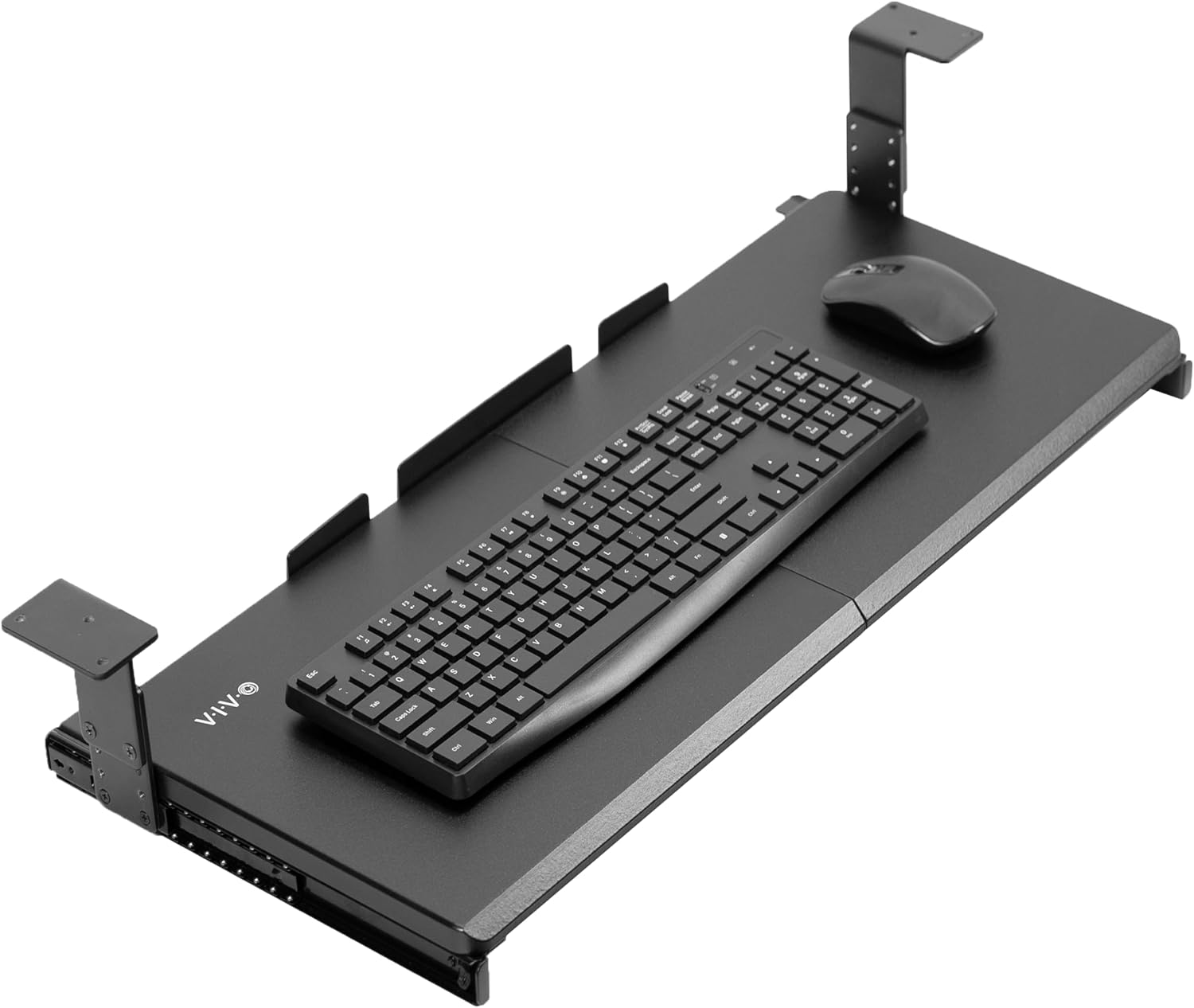
VIVO Black Under Desk 27 x 11 in Adjustable Keyboard Tray, MOUNT-KB27HB
Widest platform here at 27 by 11 inches, and the adjustable mount lets you dial the drop instead of accepting a fixed bracket
Needs 27 inches of clear underside and a wide desk if you want mouse room on the same platform
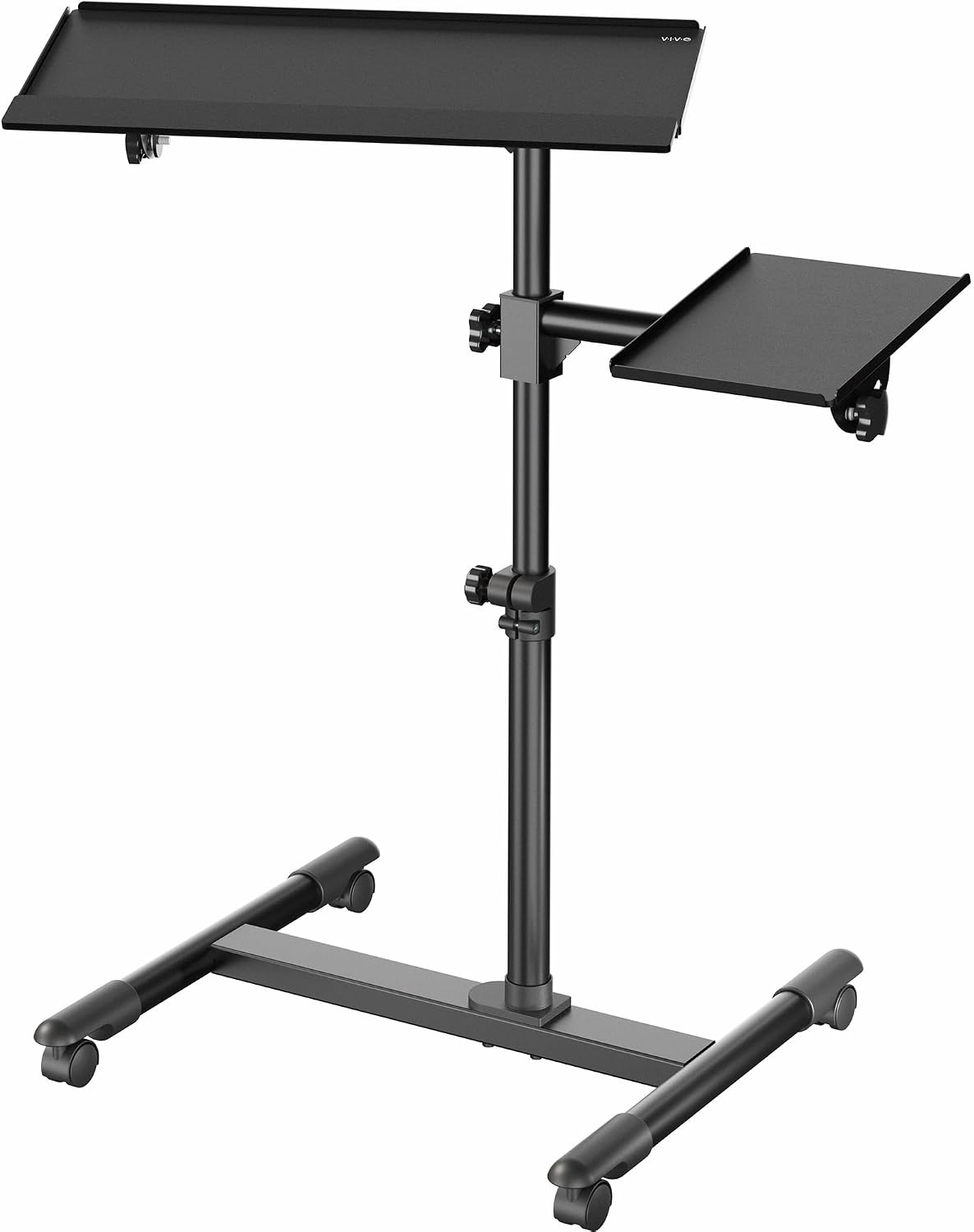
VIVO Black Mobile Keyboard Tray and Mouse Pad Cart, CART-KB1A
Solves the drop problem by moving the keyboard instead of the desk, with no drilling and no knee-space cost
Takes floor space, rolls on carpet, and will not keep your keyboard in one spot
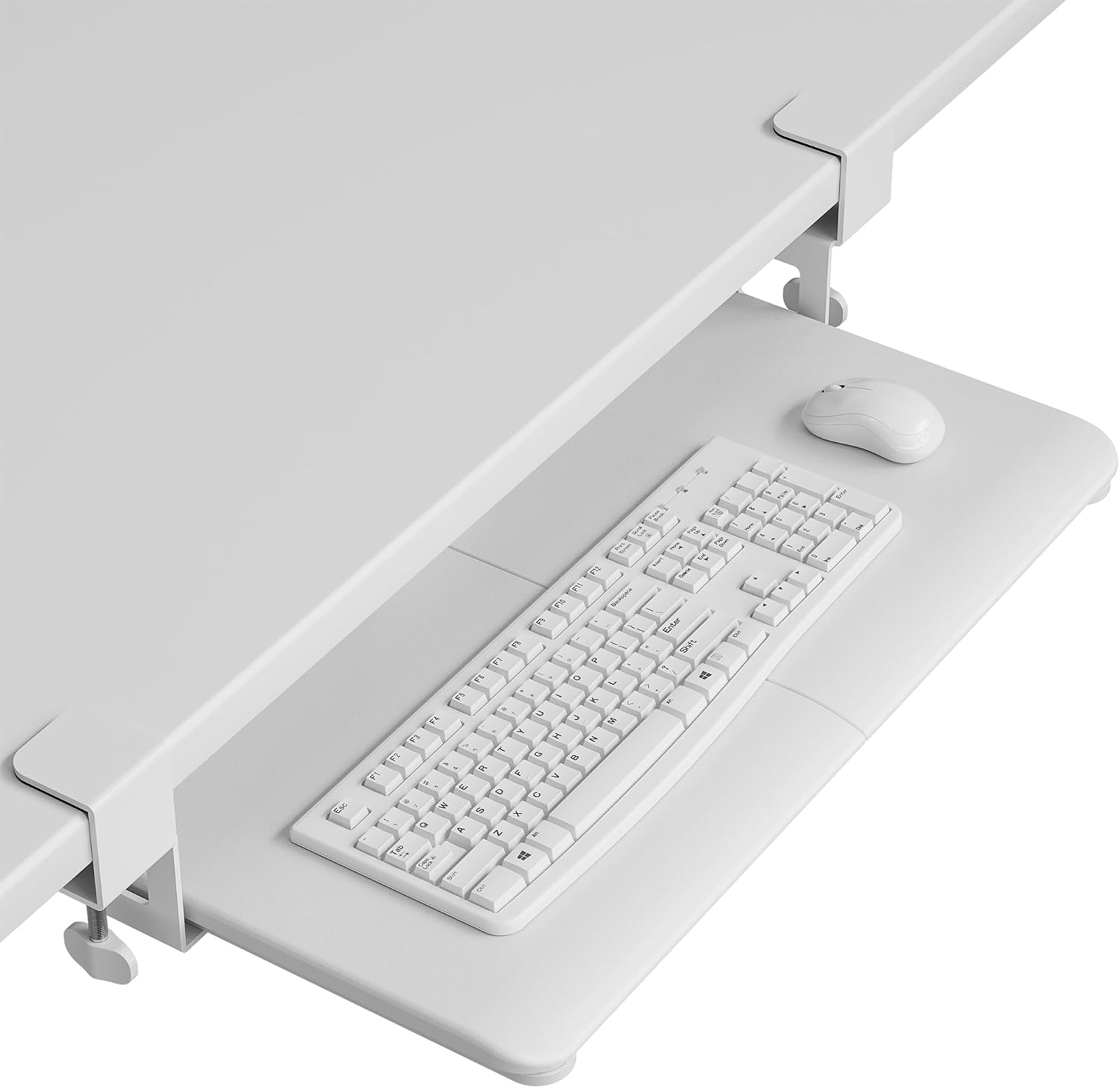
BONTEC Under Desk Keyboard Tray, Pull-Out Keyboard & Mouse Platform
Simple pull-out design, screws under the desk, slides away when you are done
No platform size in the model name, so you have to verify your keyboard and mouse fit before buying
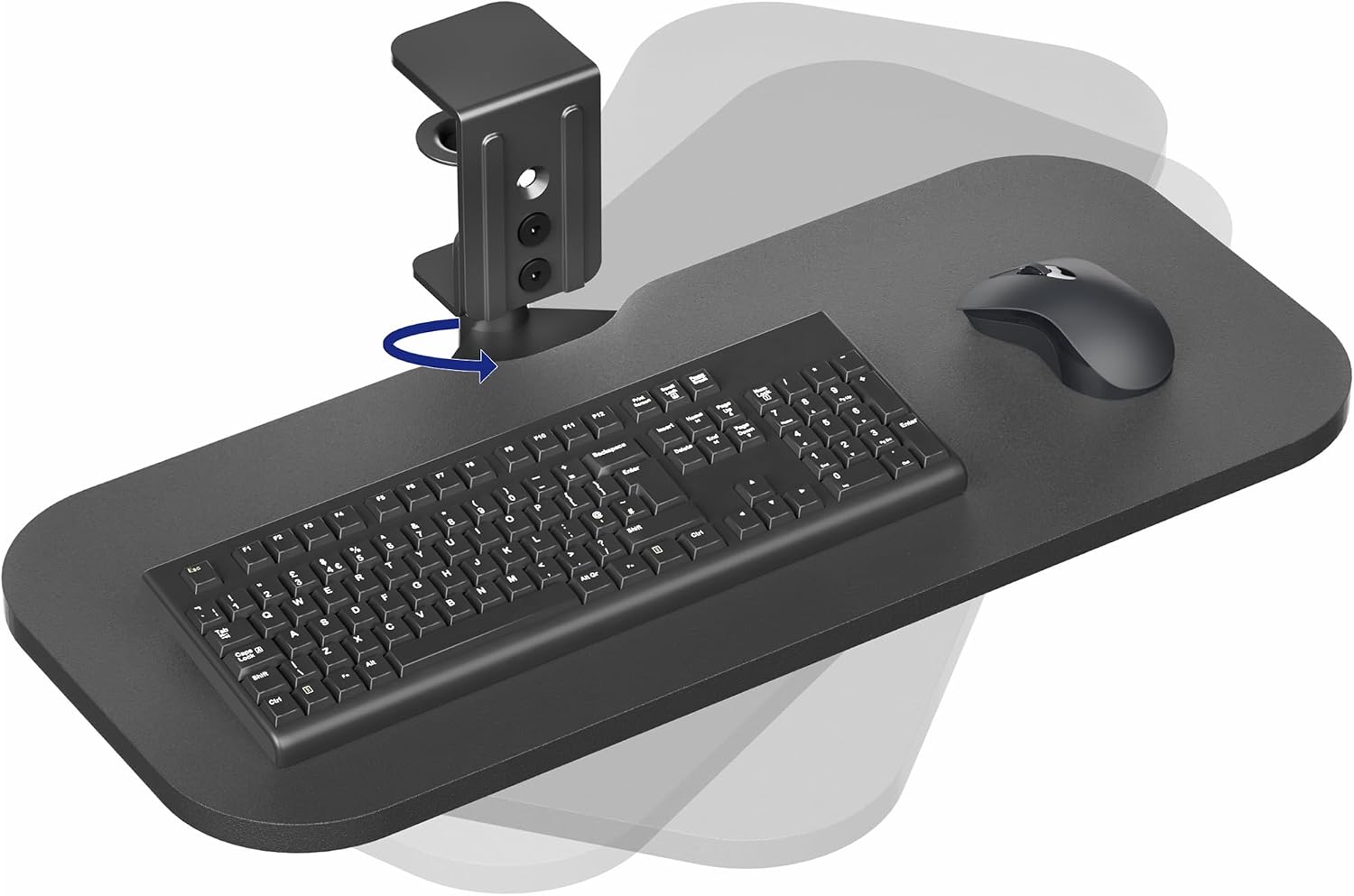
VIVO Black Clamp-on 23 x 10 in Rotating Keyboard Tray, MOUNT-KB04CB
Clamps on with no drilling and rotates out of the way for handwriting or a sketch pad
23 by 10 inch platform is the narrower option, and clamps fail on beveled or lipped desk edges
Prices and availability may change.
What a keyboard tray drop actually measures
A keyboard tray drop is the vertical distance from the top of the desktop to the top of the tray platform once the tray is pulled out to typing position. Not the bracket. Not the underside of the desk. Top of the desk to top of the tray, measured with the tray loaded and a keyboard sitting on it. Listings are loose about which of those three surfaces they mean, which is why two trays advertised with the same drop can sit an inch apart in your lap.
Two things stack on top of that number. The first is your keyboard itself, usually somewhere between three quarters of an inch and an inch and a quarter tall at the top row of keys. A 1 inch drop with a 1 inch keyboard puts your keycaps level with the desktop. A 2 inch drop puts them a full inch below it, and that inch is the whole argument.
The second is your thighs. Every inch the tray hangs below the desk is an inch taken out of your knee space. On a 29 inch desk with a platform roughly an inch thick, a 2 inch drop leaves you about 26 inches of clearance under the platform, and a footrest or a pair of thick slippers eats into that fast.
1 inch vs 2 inch keyboard tray drop: the numbers in practice
Here is the measurement I take on every install. Sit in your chair at the desk with your feet flat on the floor and your back against the backrest. Let your arms hang, then bend your elbows to 90 degrees. Measure floor to the crease of your elbow. Then measure floor to the top of the desk. Subtract the first number from the second.
Three real numbers from client desks in the last year:
- 5'4", seated elbow height 25 inches, 29 inch desk. The gap is 4 inches. Neither a 1 nor a 2 inch tray closes that, and buying a deeper tray is the wrong fix. Raise the chair until the gap is 1 to 2 inches, then put a footrest under your feet, because a raised chair lifts your feet off the floor.
- 5'9", seated elbow height 27 inches, 29 inch desk. The gap is 2 inches. This is the most common number I measure, and it is the case the 2 inch drop was built for.
- 6'1", seated elbow height 28.5 inches, 29 inch desk. The gap is half an inch. A 1 inch drop puts your keycaps just below your elbows, which is fine. A 2 inch drop makes you reach down for every keystroke, and you will round your shoulders within a month.
That is why the searches for 2 inch keyboard tray drop vs 1 inch do not have a single answer. Neither drop is "the ergonomic one." The right drop is the one that matches the gap you just measured, and if your gap is 4 inches, no tray in this comparison fixes it.
The difference between 1 inch and 2 inch keyboard tray drop is one inch of vertical reach, roughly one inch of thigh clearance, and a different chair height to make it work. That is a lot of consequence for an inch, which is exactly why I measure instead of guessing.
How I set the drop on a real desk
Order matters more than tools here. Clamp or bolt the bracket first, hang the tray second, load the keyboard and mouse third, and tighten everything last. Reversing that order, tightening the bracket before the tray is loaded, is how people crack a desktop or strip a screw insert. A loaded tray also sits slightly lower than an empty one on most brackets, so measure the drop with the keyboard on it, not before.
Then sit down and check three things: your elbows sit at 90 to 100 degrees, your wrists are flat rather than bent back, and your thighs clear the underside of the tray by a finger's width. If any of the three fails, the drop is wrong, not your posture.
Adjustable mounts are worth the extra money for one reason: you can set 1 inch on a Monday and 2 inches after you change chairs. A fixed bracket makes you choose once, and the choice is baked into where you drill.
The four trays, and the drop each one solves
Every tray below handles the 1 inch vs 2 inch keyboard tray drop problem a different way, and none of them is wrong. What matters is whether the mount lets you land on the number you measured, and whether the platform is big enough for the keyboard and mouse you actually own.
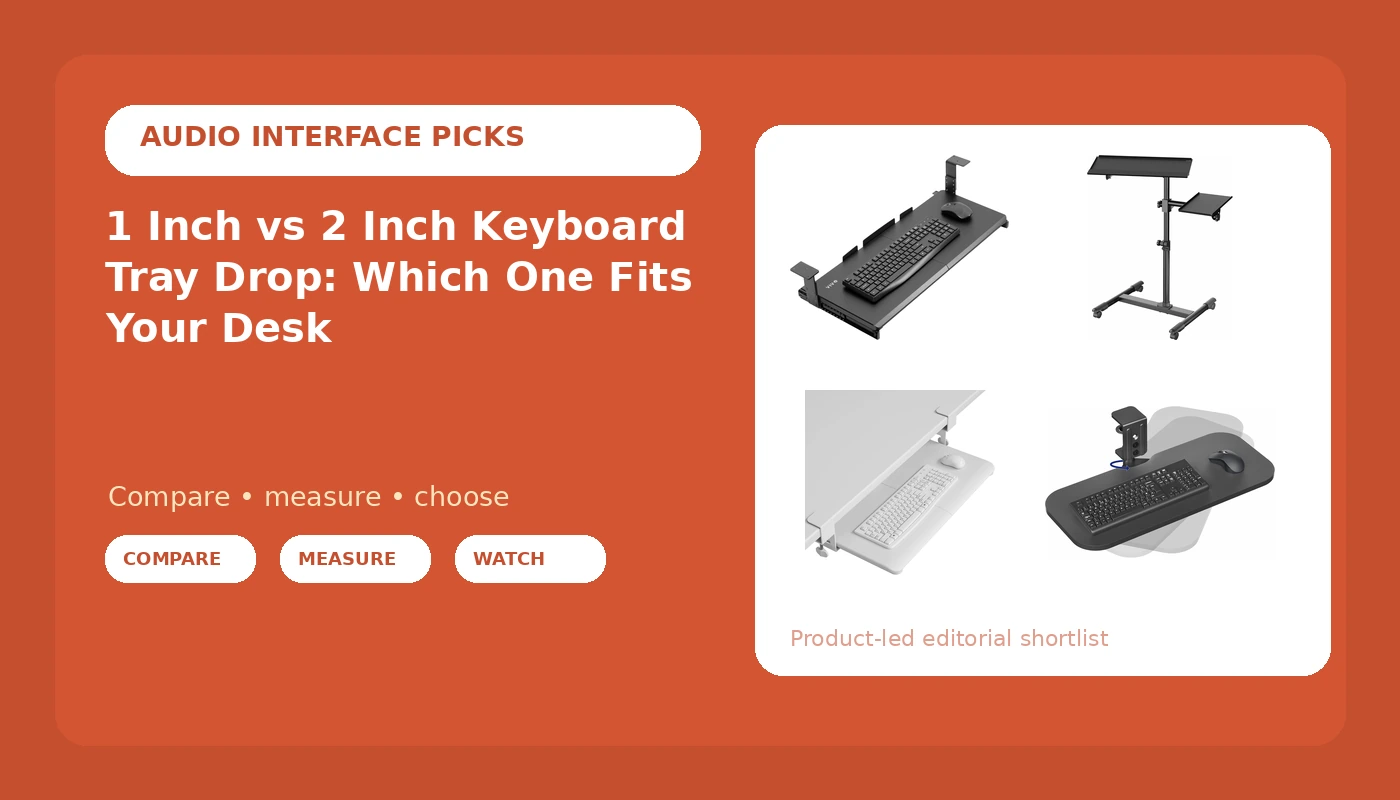
VIVO Black Under Desk 27 x 11 in Adjustable Keyboard Tray, MOUNT-KB27HB is the widest platform in this group at 27 by 11 inches, and the adjustable mount is what makes it my default for a 30 inch desk where I need a specific number rather than whatever the bracket happens to give. It screws under the desk, so you need at least 27 inches of clear underside to hang it and realistically a 48 inch wide desk if you want the mouse on the same platform with room to sweep. Visit on Amazon
VIVO Black Clamp-on 23 x 10 in Rotating Keyboard Tray, MOUNT-KB04CB clamps to the desk edge instead of drilling into it, and it rotates, so you can swing it out of the way when you switch to handwriting or a sketch pad. The 23 by 10 inch platform is narrower than the tray above, and the clamp sets the drop. Check two things before you buy: your desktop thickness against the clamp opening, and whether the edge is square. A beveled or lipped edge is where clamps fail, and a failed clamp takes your keyboard to the floor. Visit on Amazon
BONTEC Under Desk Keyboard Tray, Pull-Out Keyboard & Mouse Platform is the pull-out style that screws under the desk and slides back when you are done. The name does not carry a platform size, so measure your keyboard and mouse footprint and check the listing before you commit. This is the tray I would buy for a compact board and a small mouse, not for a full-size keyboard plus a wide mouse sweep. On most pull-out trays the drop is set by where you mount the bracket, which means you choose 1 or 2 inches at install time and live with it. Visit on Amazon
VIVO Black Mobile Keyboard Tray and Mouse Pad Cart, CART-KB1A solves the drop problem by moving the keyboard instead of the desk. Nothing is mounted, nothing is drilled, and the cart rolls to whatever height your hands want and rolls away when you stand up. For a shared desk, a rental, or a sit-stand desk where a fixed tray would be at the wrong height in one of the two positions, this is the honest answer. It is also the one to skip if you need knee room under the desk, if you have deep carpet that fights a rolling base, or if you want your keyboard to stay in one place. Visit on Amazon
Cable management decides whether your drop setting survives
A tray that moves will move your cables, and a cable that pulls will move your tray. This is not an aesthetics problem. I have walked into client offices where the keyboard tray sat half an inch off center because the USB cable was routed tight and yanked it sideways on every push-in, and the fix took ten minutes with three cheap parts.
Run the fixed part of the cable along the underside of the desk in a raceway so nothing dangles into your knees. Wrap the bundle that travels with the tray in a cable sleeve so the strands move as one unit instead of snagging on each other. Hold the service loop with an adhesive clip so the pull lands on slack instead of on the connector, and leave six to eight inches of loop. If the cable is taut at full extension, you have built a spring, not a cable run.
Footrest angle, mat thickness, and mat density
If your gap measured 3 inches or more, you closed it by raising the chair, and that moved your feet off the floor. A footrest with an adjustable angle is the correct follow-up, because the platform tilt is what keeps your ankles near 90 degrees while your thighs stay supported. A flat footrest under a raised chair just gives your feet something to press against while your lower back does the work.
Floor mats change your drop math more than any accessory I know. A three quarter inch mat raises your seated height by about three quarters of an inch, which is the same as removing three quarters of an inch of drop. Set your tray for a 1 inch drop on a bare floor, then add a thick mat, and you are back to reaching. Mat thickness is the number to check, and mat density is what keeps that number stable; a dense mat compresses a few millimeters under a chair, a soft one compresses an inch and quietly undoes your measurement. Take the measurement with the mat in place, on the chair you actually use.
Desk lamp lumens and the shadow under a 2 inch drop
Lower your keyboard and you lower it into the desk's shadow. Overhead office light, the kind that comes from a ceiling panel or a single bright fixture, lights the desktop and leaves the tray dim, which matters more at a 2 inch drop than at 1. A task lamp you can aim, in the 300 to 500 lumen range, pointed at the tray rather than at the desk surface, is the fix. The test is simple: sit down, look at your hands, then look at the monitor. If you can read the keycaps clearly and there is no glare band across the screen, the lamp is aimed correctly. If the desk is bright and the keys are dark, you are lighting the wrong surface.
Who should skip each of these
- Skip the widest VIVO tray if your desk has less than 27 inches of clear underside, if you cannot drill, or if you sit at a desk narrower than 48 inches and still want mouse room.
- Skip the clamp-on rotating tray if your desktop edge is beveled, if the top is thicker than the clamp opening, or if you need a wide mouse platform rather than a rotating one.
- Skip the BONTEC pull-out tray if you want a large mouse area or a platform size you can verify from the model name alone.
- Skip the mobile cart if you need knee clearance, if the floor under your desk is deep carpet, or if a cart would block the walkway behind your chair.
The measurement to take before you buy
Whether you should buy a 1 inch or 2 inch keyboard tray drop model comes down to one subtraction you can do in two minutes with a tape. Floor to the crease of your elbow, subtracted from floor to desktop top. If the gap is 0 to 1 inch, buy the 1 inch tray or skip the tray entirely and put the keyboard on the desk. If the gap is 1 to 2.5 inches, buy the 2 inch tray, or an adjustable one set to 2. If the gap is 3 inches or more, no tray in this comparison fixes it: raise the chair, add a footrest, and re-measure before you spend anything.
I have watched people buy a 2 inch drop because a review called it more ergonomic and then spend a year reaching down for the keys. I have also watched people buy a 1 inch drop for a desk that was two inches too tall for them and end up with their wrists bent back all day. Neither of those is a tray problem. Both are a tape measure problem, and the tape costs less than the return shipping.
Related: Standing Desk Wobble At Standing Height