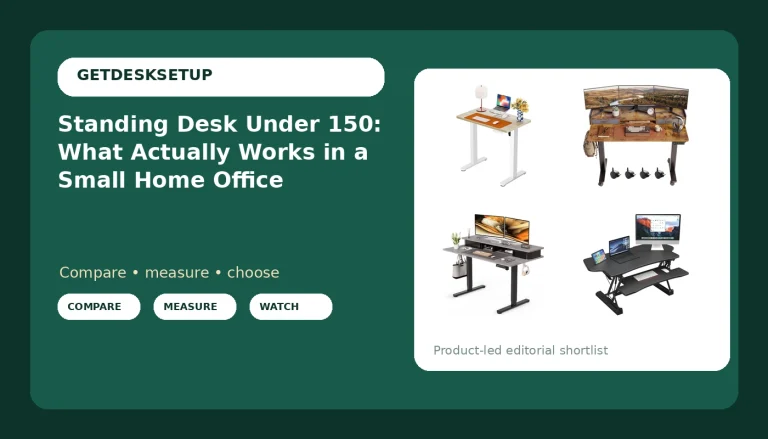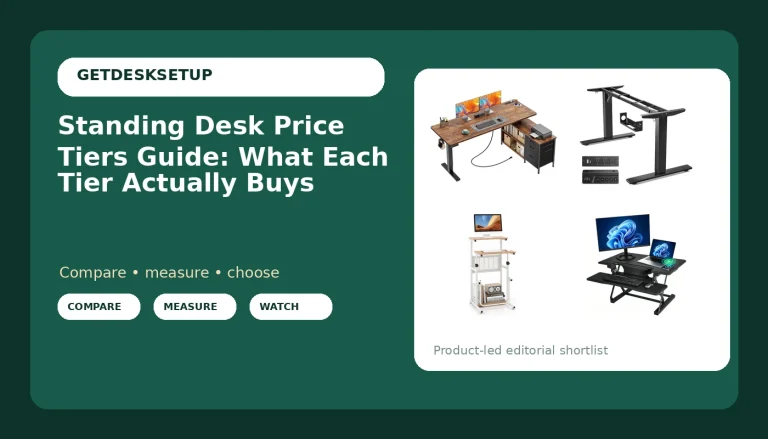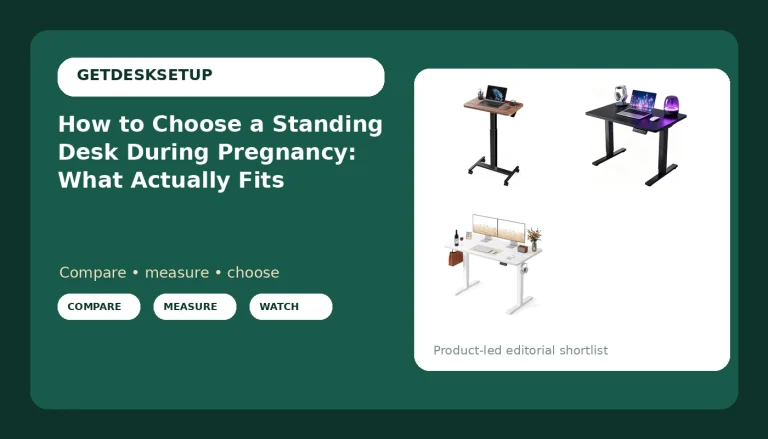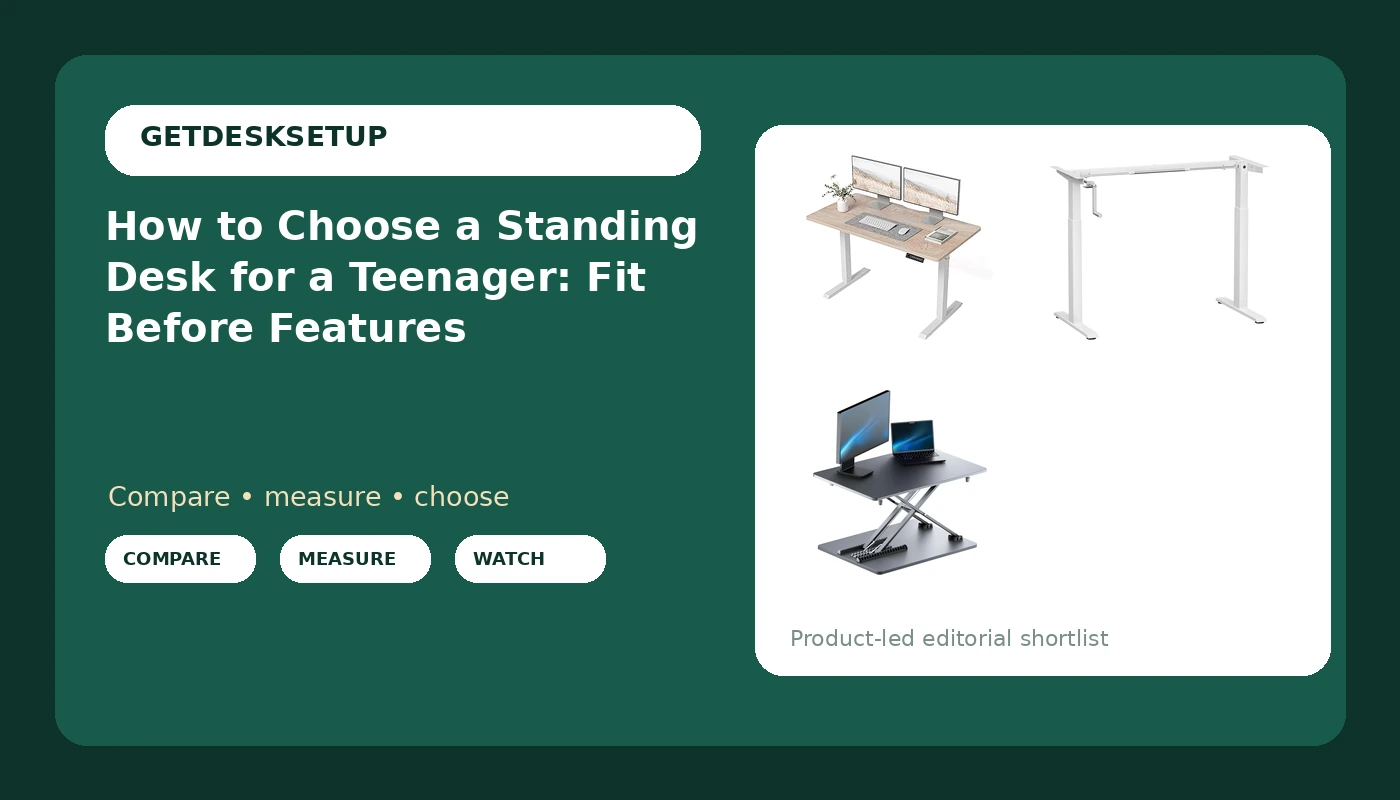
Most parents start this backwards. They filter by price, pick the desk with the best photos, and discover in March that the top height is two inches short of where a growing fifteen-year-old needs it. To choose a standing desk for a teenager, start with the teenager: standing elbow height, how much surface gets used at once, and whether the desk has to survive a move into a dorm in two years.
I have been building out home offices for six years, and about one in five of them is a kid's or teen's room. The failures are almost never the motor. They are desktop depth, wobble at the top of the range, and a cable tray that sags under its own screws by week three.
This is how to choose a standing desk for a teenager without buying twice: three desks at three commitment levels, and the eight checks I run, in order, before anyone's money leaves the account.
Why you should trust me
I am Ray. I live in Seattle and I run a two-person desk setup service. Before that I spent nine years as an office facilities manager, which meant buying and assembling chairs and desks for 400-person floors and learning that an invoice total has nothing to do with whether a desk works.
Since 2020 my partner and I have built out 310 home offices, and a good number of those were teen rooms. The body changes, the desk gets leaned on, the chair gets dragged, and the cable situation starts as a phone charger and ends as a laptop, a monitor, and a ring light.
I keep a notebook. Every desk I install gets its height range written down at both ends, and the number I care about is what happens at the top, not the bottom. Most standing desks are fine at sitting height. Plenty get shaky at the exact height a tall teenager stands at, and that is the number the marketing copy never prints.
I do not sell desks. I get paid for the setup, so the only thing I have to protect is whether the desk is still solid a year later.
How I picked and how I tested
This article covers the three ways a teenager ends up with a standing desk: a full electric desk, a frame you add your own top to, and a converter that sits on a desk you already own. If you are trying to choose a sit stand desk for a teenager, the numbers below are what decide it, not the brand on the box.
Height range at both ends. I read it off the listing, then compare it against a tape measure on the assembled unit, because the top of the range is where a desk either holds or does not.
Desktop depth and width. 24 inches of depth is the working minimum for a monitor plus a notebook. A 48-inch desk wants about 60 inches of clear wall so a teenager can stand up and push a chair back without hitting a bed.
Lift capacity against a realistic load: the top itself, a monitor, a clamp, a lamp, and a stack of textbooks. Then the motor count, single or dual, since a dual motor moves a heavier and more uneven load with less strain.
Wobble at the top. I load the desk, raise it to its highest stop, and push the front edge with two fingers. If a mug walks across the surface, a teenager will stop standing at that desk inside a month.
Structure: whether a crossbar braces the legs, where the grommet sits, and whether a cable tray bolts to something structural or to a thin panel with two screws.
For the wider picture of how a desk, a chair, and a monitor arm fit together in one room, I keep that in my guide to a first home office setup.
How to choose a standing desk for a teenager: three desks, three commitments
Decide the commitment first, then check the numbers. Once that is settled it gets much easier to choose a height adjustable desk for a teenager, because two of the three options below are not full desks at all. Here is what I would put in a teen room, and who each one is wrong for.
Our pick: BANTI 48 × 24 Inches Standing Desk, Ergonomic, Electric Height Adjustable, Sit and Stand Up, Computer Office Desk with Splice Board, White Frame/Maple Top
Our pick
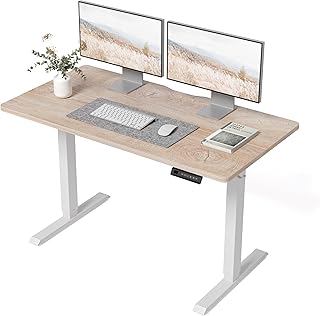
BANTI 48 × 24 Inches Standing Desk, Ergonomic, Electric Height Adjustable, Sit and Stand Up, Computer Office Desk with Splice Board, White Frame/Maple Top
Check current Amazon price.
This is the desk I would buy for most teenagers, and the reason is the shape, not the motor. A 48 by 24 top is the smallest size that still holds a monitor, a keyboard, and a notebook at once without the teenager working around a pile. That 24 inches of desktop depth is the number to hold onto. Go shallower and the monitor ends up close enough that the eyes do the compensating.
The electric height adjustment is what makes it a standing desk rather than a desk. When you compare it against other electric desks in this size, read two things twice: the stated height range at the top end, and whether the control carries a memory preset. A memory preset sounds like a luxury until you have watched a teenager hold a button for nine seconds, decide that is too much work, and sit back down. Anti collision matters in a small room too, where the desk's travel path crosses a bed frame or a chair back.
The splice board is the honest flaw. The top ships as two panels joined down the middle, which keeps the box small enough to ship and the price down, but it leaves a seam. For a keyboard and a monitor, nobody notices. For handwriting on loose paper, a seam in the middle of the writing surface is a real annoyance, and if your teenager does most homework with a pen, that is the one reason to look at a single-piece top instead.
The 48-inch width needs about 60 inches of clear wall once you allow room to stand up and push the chair back. Measure the wall before you order, not after.
Flaws but not dealbreakers: the two-piece top seam, and a white frame with a maple-look top is a look, not a neutral. A teenager who covers the desk in stickers will not care. Anyone who needs a solid single-piece writing surface should skip it.
Who it fits: a teenager with 60 inches of wall, a monitor or a laptop on a riser, and a parent who wants one purchase to last through high school.
Budget pick: COSTWAY Crank Standing Desk Frame, Manual Hand Crank Workstation Base, Ergonomic Sit to Stand Base w/Foldable Crank Handle, Hook, Cable Management Rack (White)
Budget pick
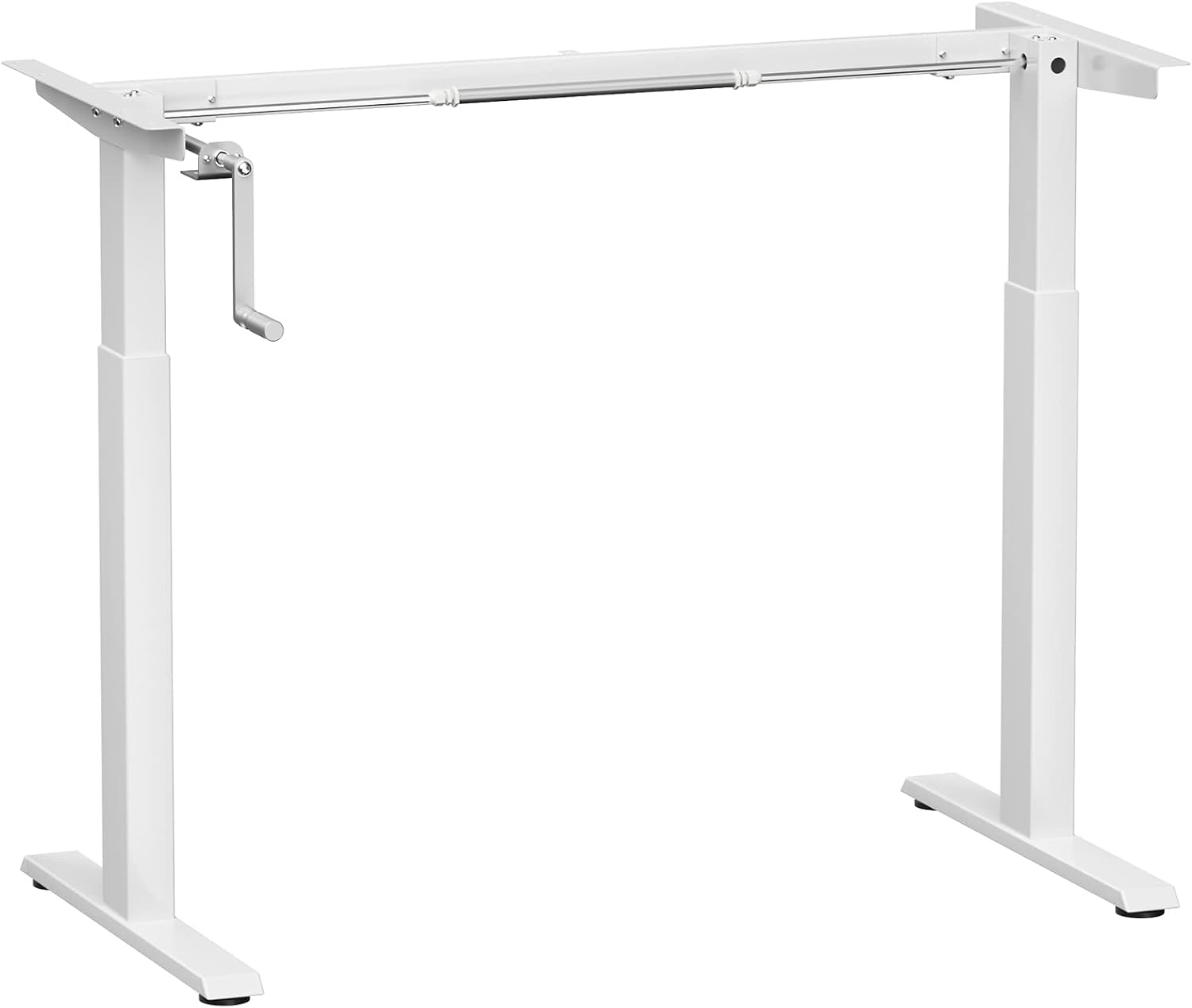
COSTWAY Crank Standing Desk Frame, Manual Hand Crank Workstation Base, Ergonomic Sit to Stand Base w/Foldable Crank Handle, Hook, Cable Management Rack (White)
Check current Amazon price.
This is a frame, not a desk. There is no top in the box. That makes it either the smartest buy in this article or a mistake, and the answer depends on whether you already own a surface.
If you have a butcher block, a solid-core door, or a top from a desk that died, the crank frame is the cheapest route to a real sit-stand desk. There is no motor, no control box, no dual motor to fail, and nothing to plug in. The crank is the motor, and the teenager is the power source, which is also the flaw. A desk that takes thirty seconds of cranking to raise stays down on a Tuesday night when there is homework due.
What it does include: a foldable crank handle, a hook, and a cable management rack. The rack is the part I care about, because that is where the power strip lives, and a desk without one ends up with a tangle of cables zip-tied to a leg. Check the lift capacity on the listing against the top you plan to bolt on, then add the monitor, the lamp, and the textbooks. The crank mechanism has a rating, and a heavy solid-core door can eat most of it.
The folding handle is a small thing that matters in a small room, because a crank sticking out into the walking path is how a shin gets bruised.
Flaws but not dealbreakers: no top included, no memory preset, and no anti collision, since a human is watching the travel. The frame also does not care whether the top you own is the right depth, so measure that top before you order.
Who it fits: a household with a spare top, a tight budget, and a teenager who will actually crank the handle. Anyone who wants to press a button should skip it.
No-assembly alternative: Standing Desk Converter, 25.16" × 15.75" Height Adjustable Laptop Stand for Desk, Sit Stand Monitor Stand, No Assembly Required for Home and Office Use (Black)
No-assembly alternative
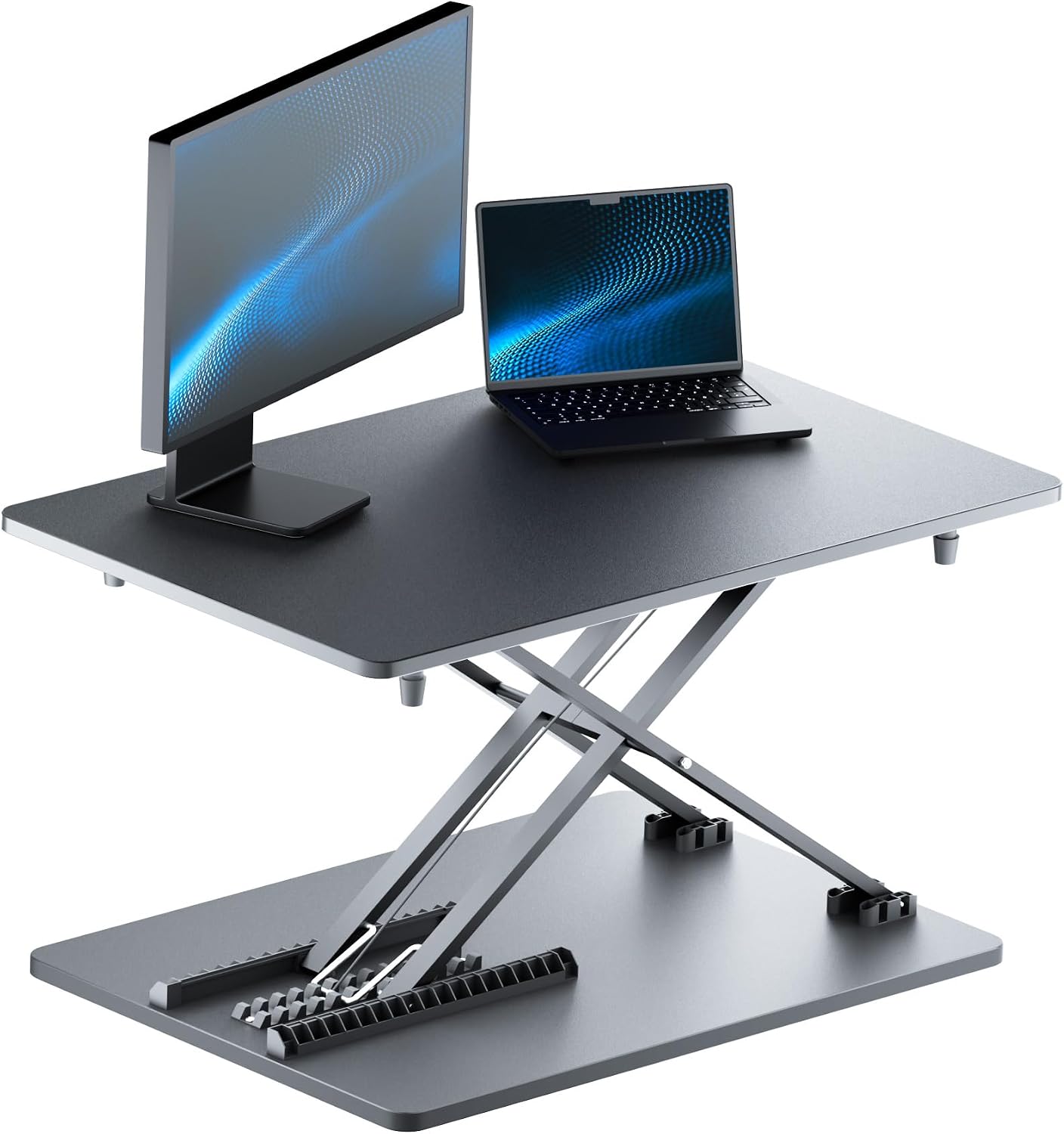
Standing Desk Converter, 25.16" × 15.75" Height Adjustable Laptop Stand for Desk, Sit Stand Monitor Stand, No Assembly Required for Home and Office Use (Black)
Check current Amazon price.
A converter answers a different question. If the teenager already has a desk they like, or the room is too small for a 48-inch footprint, or they are three months from a dorm room, this is the lowest-commitment way to stand up.
It arrives assembled and sits on top of an existing desk. The platform runs about 25 inches wide and 16 inches deep, which is enough for a laptop and a mouse, or a monitor and a keyboard at a squeeze, and not enough for a monitor, a notebook, and a textbook side by side. That is the trade. You keep the desk you have and you give up surface area.
Two things to check before you buy. First, the height of the existing desk. A converter stacks on whatever is already there, so a tall desk plus a converter puts the keyboard at chest height. Second, the stated height range and lift capacity of the converter itself, since it has to hold the monitor or laptop you set on it.
A converter also does not solve the chair. A teenager standing at a converter is still standing over a chair that has to fit, seat depth included, which is its own measurement problem.
Flaws but not dealbreakers: no cable tray of its own, limited desktop depth, and it consumes the desk surface it sits on. A teenager who needs two monitors and a textbook open at once will run out of room.
Who it fits: a small room, a shared desk, a dorm room, or a parent who wants to find out whether their teenager will actually stand before spending on a full desk.
The eight checks, in the order I run them
None of these takes more than ten minutes. Run them in this order and the desks that fail drop out before you spend anything.
Step one: Measure the teenager, not the desk. Standing elbow height, with shoes on. The work surface should land at or just below elbow height, and the top of the monitor at or slightly below eye level. Write the number down in inches. If you cannot say your teenager's standing elbow height, you are guessing, and every desk on the internet is equally correct.
Step two: Decide the commitment level. A full electric desk, a frame plus a top you already own, or a converter on the existing desk. That single choice sets the budget and the ceiling on everything that follows.
Step three: Read the height range from the top down. When you choose a stand up desk for a teenager, read the top of the range first, not the bottom. Listings sell the sit height because every desk can hit it. If your teenager is still growing, buy the top of the range you will need in three years, not the one that fits this month.
Step four: Check desktop depth and width against the room. 24 inches of depth is the working minimum for a monitor plus a notebook. A 48-inch desk wants about 60 inches of clear wall. A 55-inch desk needs more, and most teen bedrooms do not have it.
Step five: Compare lift capacity against the real load. Top, monitor, monitor arm clamp, lamp, speakers, textbooks. Then look at the motor count, because a dual motor carries a heavier and more uneven load with less strain than a single. On the crank frame, lift capacity is about the crank and the top you bolt to it.
Step six: Look for a memory preset and anti collision. A memory preset is what turns standing into a habit instead of a decision. Anti collision is what stops the desk from driving into a bed frame. Both are worth more than a nicer top.
Step seven: Plan the cable route before you assemble. Decide where the power strip lives, whether there is a cable tray, and where the grommet sits. Zip-tie the power brick to the tray, not to the leg. A cable that pulls on a monitor arm changes the monitor angle within a week.
Step eight: Assemble in the right order and test at the top. Attach the frame or the converter first, load it, then tighten the hardware. Raise the desk to its highest stop, load it the way it will actually be used, and push the front edge with two fingers. If a mug slides, the desk will not survive a teenager. Save the memory presets, set the anti collision sensitivity, and re-check every screw after the first week.
The competition and why it lost
The desks that did not make the list fall into four groups.
The 55-inch electric desks that dominate search results are good desks for an adult office and wrong for most teen bedrooms, because they need wall space a bedroom does not have. If you have the wall, one of them is a reasonable upgrade over the BANTI. If you do not, you are buying a desk that gets walked into every morning.
Gaming desks with lighting and a cup holder are the desks teenagers ask for by name. Nearly all of them are fixed height, which means they are not standing desks at all, and their cable channels are sized for a console, not a monitor arm.
Glass-top desks look clean and clamp poorly. A monitor arm clamp and a converter both put point loads on glass, and the usual fix is a piece of plywood under the desk, which is a workaround rather than a design.
Converters with a fixed keyboard tray below the main platform were the other contender in that category. The tray hangs below the desk edge and puts the keyboard at a height that suits one body size, which is the exact problem a standing desk is supposed to solve.
And the chair is its own decision. A desk chair that fits is half of the setup, and a standing desk paired with the wrong chair just moves the problem from the back to the feet.
What this all costs
Three tiers, and I am not quoting prices, because they move and because the number that matters is the total, not the desk.
The converter is the smallest commitment: one box, no top to buy, no assembly, and it works on furniture you already own. Check current Amazon price against the cost of a full desk, and remember you are keeping the desk underneath it.
The crank frame is the cheapest route to a real sit-stand desk if you have a top. If the top is already in your garage, the total can beat every electric desk in the category. If you have to buy a top, price that first, because a decent 48 by 24 top is not free and it is the part that decides whether the whole thing feels solid.
The full electric desk is the largest single spend and the one most likely to still be in the room four years from now.
Add the small costs nobody budgets for: a cable tray or an under-desk basket, a power strip with a flat plug, zip ties, and a monitor arm clamp if the monitor does not sit on its own base.
Over four years of high school, the gap between the cheapest correct setup and the most expensive wrong one is not the desk price. It is buying twice.