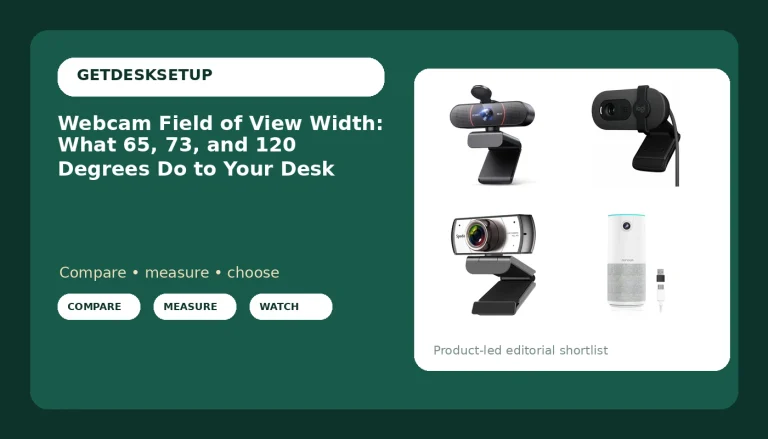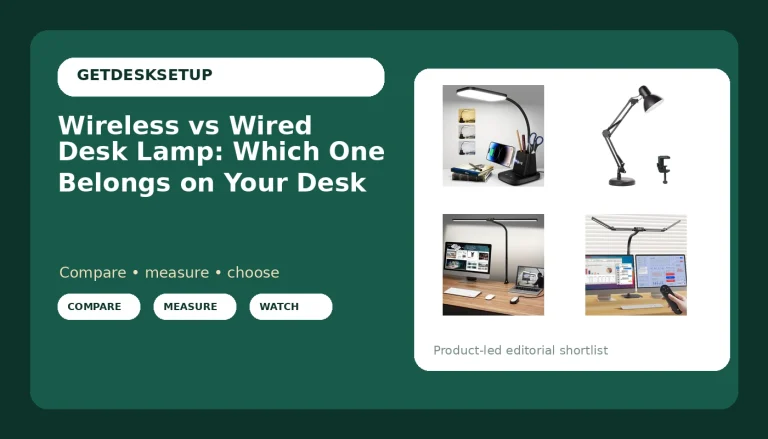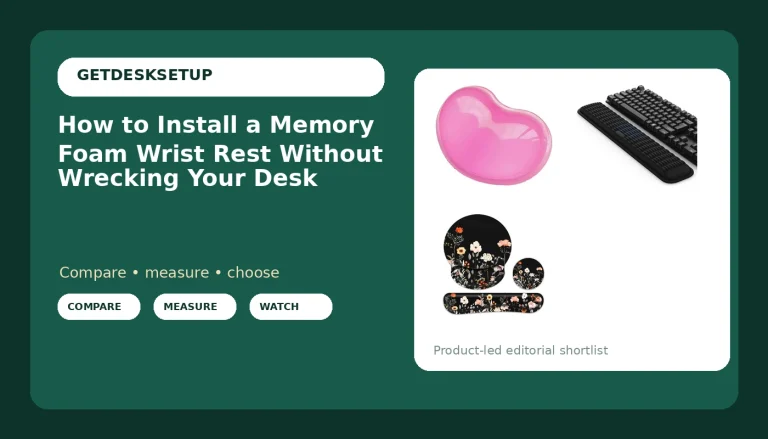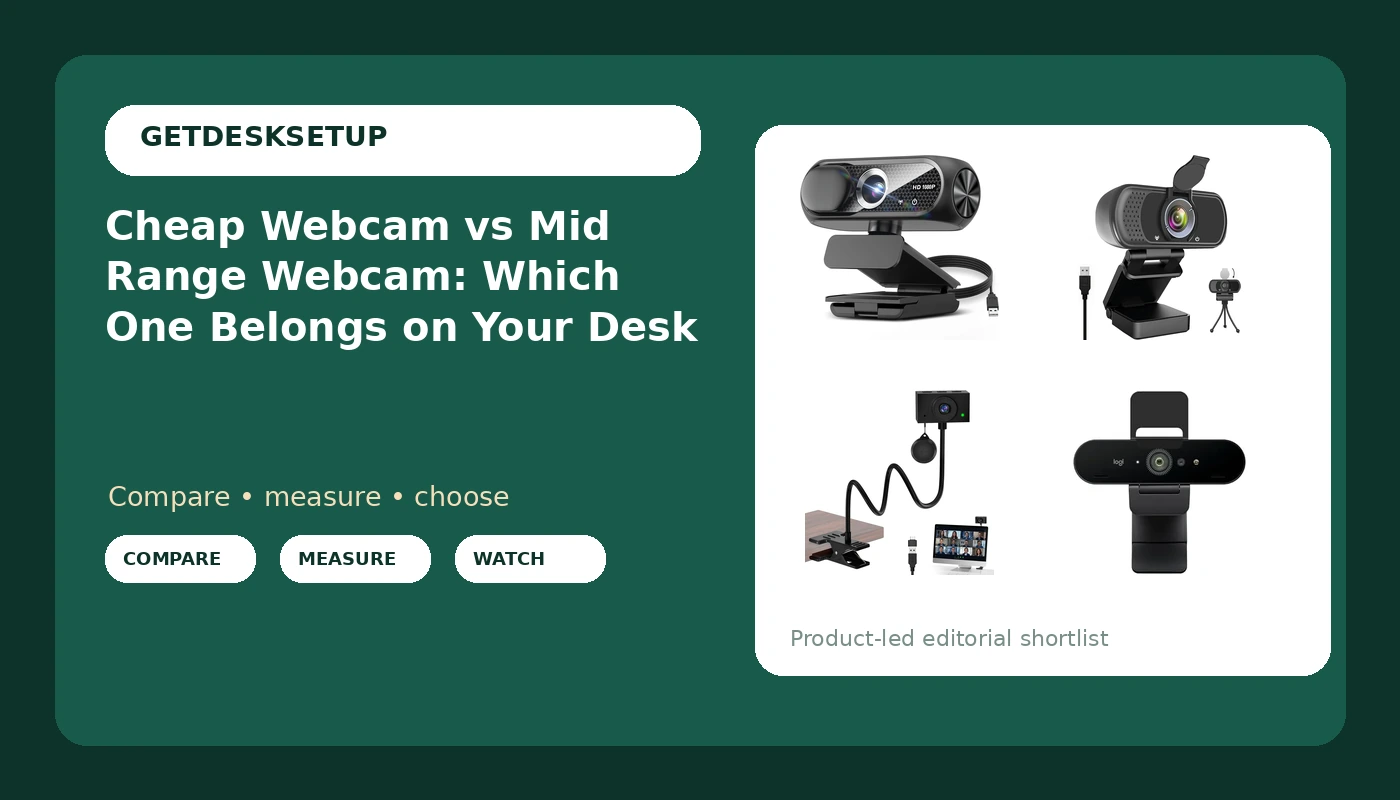
I have kitted out 310 home offices and a few 400-person floors, and the cheap webcam vs mid range webcam question almost never gets settled by the number printed on the box. It gets settled by three things I can check with a tape measure and a laptop: how the camera sits on the monitor, how it handles the light already in the room, and where the cable goes when you tilt the screen. The sensor is the last thing I look at, not the first.
Related: Monitor arm cable management that survives a year
For most home desks the pick is the 2K Webcam for PC with Microphone, USB Camera, Manual Focus, because a focus ring you control beats an autofocus system you argue with. The two 1080p cameras are still the right call if you sit at one fixed distance and never lean in. The Logitech Brio is the one to buy when the image has to survive being cropped, zoomed, and recorded.
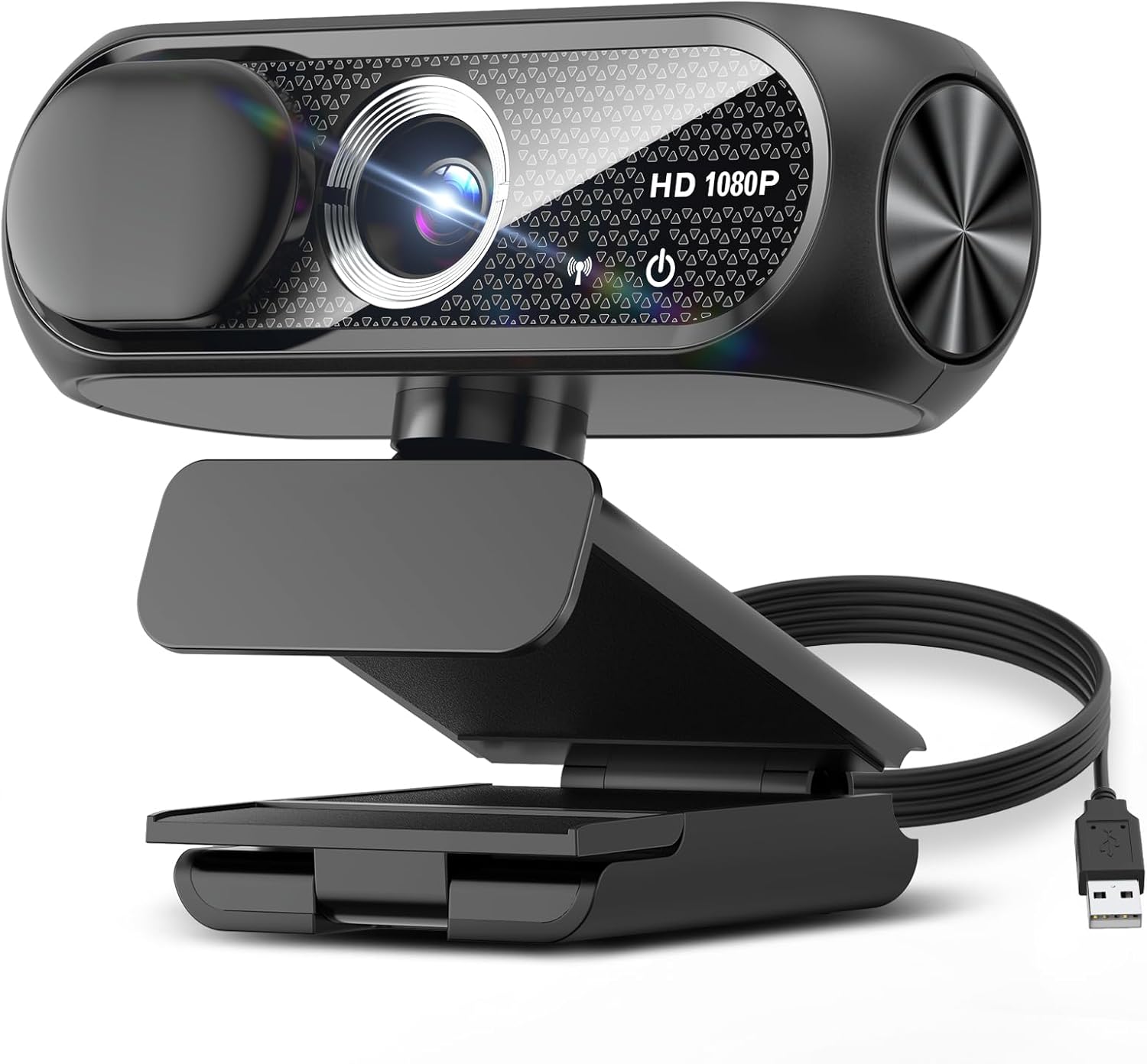
1080P HD Webcam with Microphone, Noise Cancellation, Privacy Cover, Wide-Angle Lens, Auto Light Correction, Plug & Play USB Webcam for Laptop, Desktop, PC, Mac, Zoom, Skype, Streaming (Black)
The fullest feature list at the budget end: auto light correction, noise cancellation, privacy cover, wide angle, plug and play
1080p sensor and a fixed lens, so there is no crop room and no manual focus
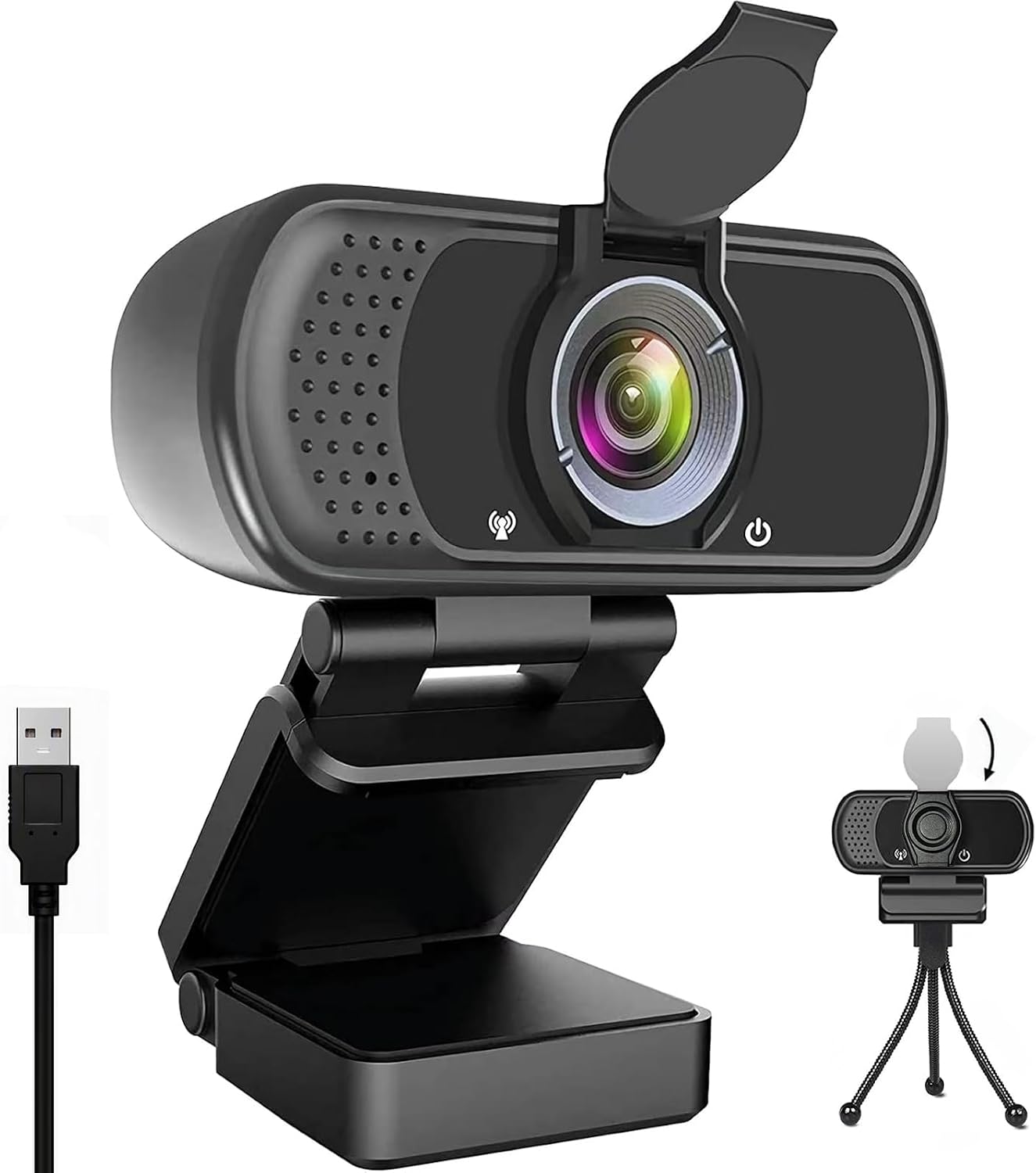
1080P Webcam with Microphone USB Privacy Cover Tripod 110° for PC
A tripod thread in the box and a 110 degree field of view, which frames a desk without a monitor clip
No manual focus, and 110 degrees is wider than a small room can hide
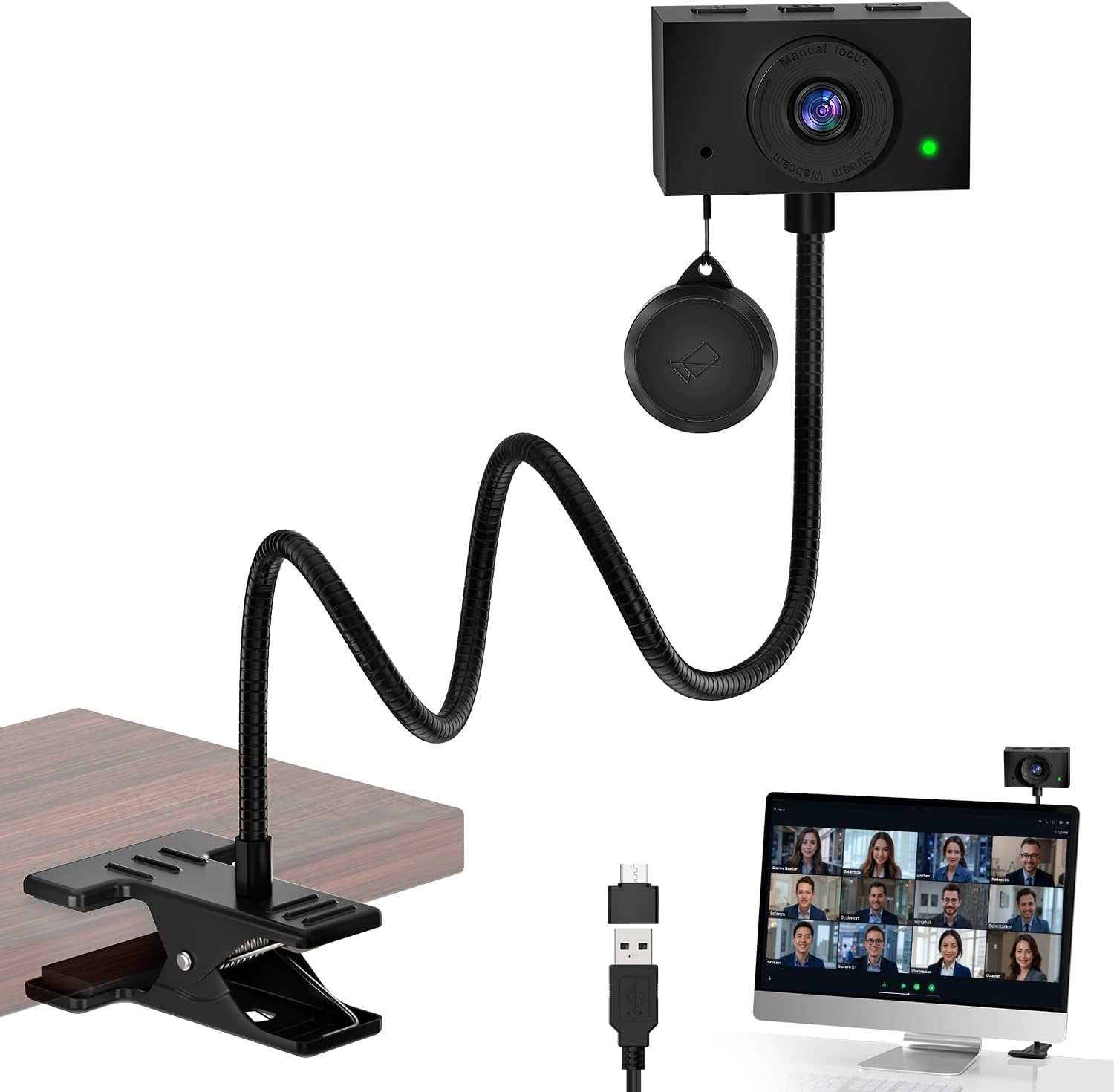
2K Webcam for PC with Microphone, USB Camera, Manual Focus, Black
2K resolution plus a focus ring, the only camera here that stops hunting when you lean back
Manual focus is a task: move your chair and you refocus by hand
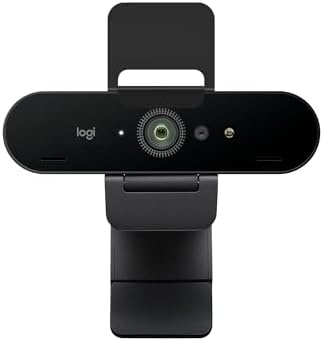
Logitech Brio Ultra 4K HD Webcam for Streaming and Meetings – Black
4K capture, so you can crop, zoom, and still deliver 1080p for recorded or presented video
4K needs more bandwidth, more storage, and more light to look like an upgrade
Prices and availability may change.
My pick of the four is the 2K model: Visit on Amazon.
How I check a webcam before it goes on a desk
A webcam is a measurement problem before it is a video problem, so this is the order I work in.
Sit down and measure from your eyes to the back of the monitor. That number, not the camera's marketing, sets your framing. At 24 inches, a 110 degree lens puts your whole room in the shot and your face in the middle third of the frame. At the same distance, a tighter lens gives you head and shoulders and nothing else.
Next, check the mount against the monitor you actually own. A clip that grips a flat bezel slides on a curved one. If your screen has a curved back, or you work on a thin laptop lid, a tripod thread matters more than any spec on the box.
Then focus. Lean toward the screen the way you would to read a contract and watch whether the image holds or hunts. Autofocus that breathes every time you move is the most common complaint I hear from clients, and it is the reason a manual focus ring exists on one of the cameras above.
Then light. Sit at your desk at the hour you actually take calls and look at your own face, not at the camera. A window behind you will beat any auto light correction feature. A desk lamp with enough lumens aimed at your face, at eye level, does more for how you look on a call than a sensor upgrade, and it costs less.
Finally, follow the cable from the back of the camera to the floor. If it hangs off the top of a monitor with nothing holding it, it will pull the camera out of level the first time you raise a sit-stand desk. Cable management is not aesthetics. A cable that pulls on a monitor arm changes the camera angle within a week, and that is true of a budget camera and a flagship alike.
The two 1080p budget picks
Both budget cameras here capture 1080p, which is 1920 by 1080 pixels. That is enough for a head and shoulders call, and it is not enough to read a document held up to the lens.
The 1080P HD Webcam with Microphone, Noise Cancellation, Privacy Cover, Wide-Angle Lens, Auto Light Correction, Plug & Play USB Webcam for Laptop, Desktop, PC, Mac, Zoom, Skype, Streaming (Black) is the most fully loaded camera at the cheap end of this group. You get a microphone with noise cancellation, a privacy cover, auto light correction, a wide angle lens, and plug and play USB. Nothing on that list is exotic, but getting all of it in one box at this tier is why it is my default for a spare bedroom desk.
Skip it if you need to show detail. A wide angle lens is a wide angle lens: a document held up to the camera will be small and soft, and a whiteboard behind you will be unreadable. Skip it too if your room is dim and warm, because auto light correction brightens an image, it does not add detail that was never captured.
The 1080P Webcam with Microphone USB Privacy Cover Tripod 110° for PC makes a different trade. It is also 1080p with a microphone and a privacy cover, but it ships with a tripod thread and a 110 degree field of view. That tripod thread is the feature I care about. Mount it on a small tripod on the desk instead of on the monitor, and it stops moving when you move the screen, which is the fix for half the framing complaints I get.
Skip it if 110 degrees is wider than your room can carry. In a small office that lens shows the door, the hallway, and whoever walks past it. Skip it if you do not want a second object sitting on the desk.
The 2K middle step
The 2K Webcam for PC with Microphone, USB Camera, Manual Focus, Black solves a problem with a part instead of with software. 2K is roughly 2560 by 1440 pixels, so you can frame wide, crop to a tighter shot in your meeting software, and still have a 1080p image left over. That crop room is the real upgrade over the two budget cameras, and it is the part of the upgrade people forget when they compare resolution numbers.
Manual focus is the other half. Set the ring once for the distance you sit at, and the image stops hunting when you lean back in the chair. The trade is obvious. It is a physical control, you have to reach for it, and if the camera sits behind the top of the monitor that reach is awkward. It also does not follow you. Move your chair and you refocus by hand.
Skip it if you share the desk, change seats, or want a camera you never touch. This is the pick for one person, one seat, one distance, and a job that involves reading things on camera.
The 4K end of this group
The Logitech Brio Ultra 4K HD Webcam for Streaming and Meetings – Black is the top of this group and the only 4K camera in it. 4K is 3840 by 2160 pixels, which is four times the pixel count of 1080p. Practically, that means you can crop hard, zoom digitally, and still deliver 1080p, which matters if you record, present, or produce anything where the framing is not locked to one seat.
The cost is not only the camera. 4K is four times the data of 1080p, so it wants more bandwidth, more storage, and more light. A dim room will make a 4K camera look like a soft 1080p camera, because the extra detail it captures is mostly noise.
Skip it if you never record, if you are on a laptop with one free port, or if your calls are a fixed head and shoulders frame. In those cases you are paying for pixels you crop away.
A privacy cover and a stable mount are non-negotiable
Two of the four cameras here list a privacy cover in the name. The 2K pick and the Brio do not, so either budget for a cover or get into the habit of unplugging the camera when you finish for the day. A cover you can see is worth more than a setting you have to trust.
The mount matters just as much. A camera that depends on a hanging cable for its angle is a camera you will re-aim every week. Route the cable down the monitor arm, run it through a cable sleeve or a raceway along the desk edge, and put an adhesive clip wherever the cable changes direction. That is the same logic as a cable tray that sags under its own screws after a month: the hardware is only as good as the path you give it.
The cheap webcam vs mid range webcam gap, in plain terms
The difference between cheap webcam and mid range webcam is not a jump in sharpness you notice on day one. It shows up in month three, in three specific places: focus control, crop room, and mount options.
Focus control is the biggest one. Autofocus is fine until you move, and you always move. A manual ring on the 2K camera holds the distance you set, which is why that camera reads as a different class of tool even though it is not the most expensive box here.
Crop room is second. At 1080p, the frame you capture is the frame you show. At 2K you can crop to a tighter shot and still have a full 1080p image, which is the difference between a camera you point and a camera you frame.
Mount options are third, and this is where the tripod thread on the budget camera earns its place. The mid range webcam vs cheap webcam argument usually gets framed as a resolution question, and resolution is the least interesting part of it. A camera on a tripod that never moves beats a sharper camera that drifts every time the desk goes up.
So if you are choosing between a cheap webcam or mid range webcam, ask one question: does the image need to survive being moved? If the answer is no, the budget pair is enough. If the answer is yes, the cheap webcam vs mid range webcam decision is already made for you, and you want the focus ring and the crop room.
Should you buy the cheapest one first?
Yes, with a return window and a week of real calls. Buy the 1080p camera with the widest feature list, run it through the meetings you actually take, and write down three things: whether you lean in, whether your room is bright enough at call time, and whether the cable annoys you. That is a cheap experiment, and it produces better evidence than any review, including this one.
Before you spend more on a camera, spend on the desk. A lamp with enough lumens aimed at your face fixes more image problems than a sensor upgrade. A mat thickness and mat density that keep your chair from sliding, or a footrest angle that keeps your hips level, stops you sliding down in the seat, and a slouch puts your chin in the frame no matter what lens you buy.
The cheapest correct setup beats the most expensive wrong one, and that rule holds for webcams. A budget 1080p camera on a stable tripod with a lamp pointed at your face will look better on a call than a 4K camera clipped to a curved monitor in a dark room.
What I am checking next
Two things are on the bench. First, whether a manual focus ring holds its setting after a month of a sit-stand desk going up and down twice a day, because a camera that shifts out of focus at standing height is useless for the people who need it most. Second, how the two budget 1080p cameras handle a single desk lamp at eye level with the ceiling light off, which is the lighting most home offices actually have at 7 a.m.
I will also be re-checking the cable path on each one, since a camera is only as stable as the sleeve and the clip holding its cable. That report is three weeks out.