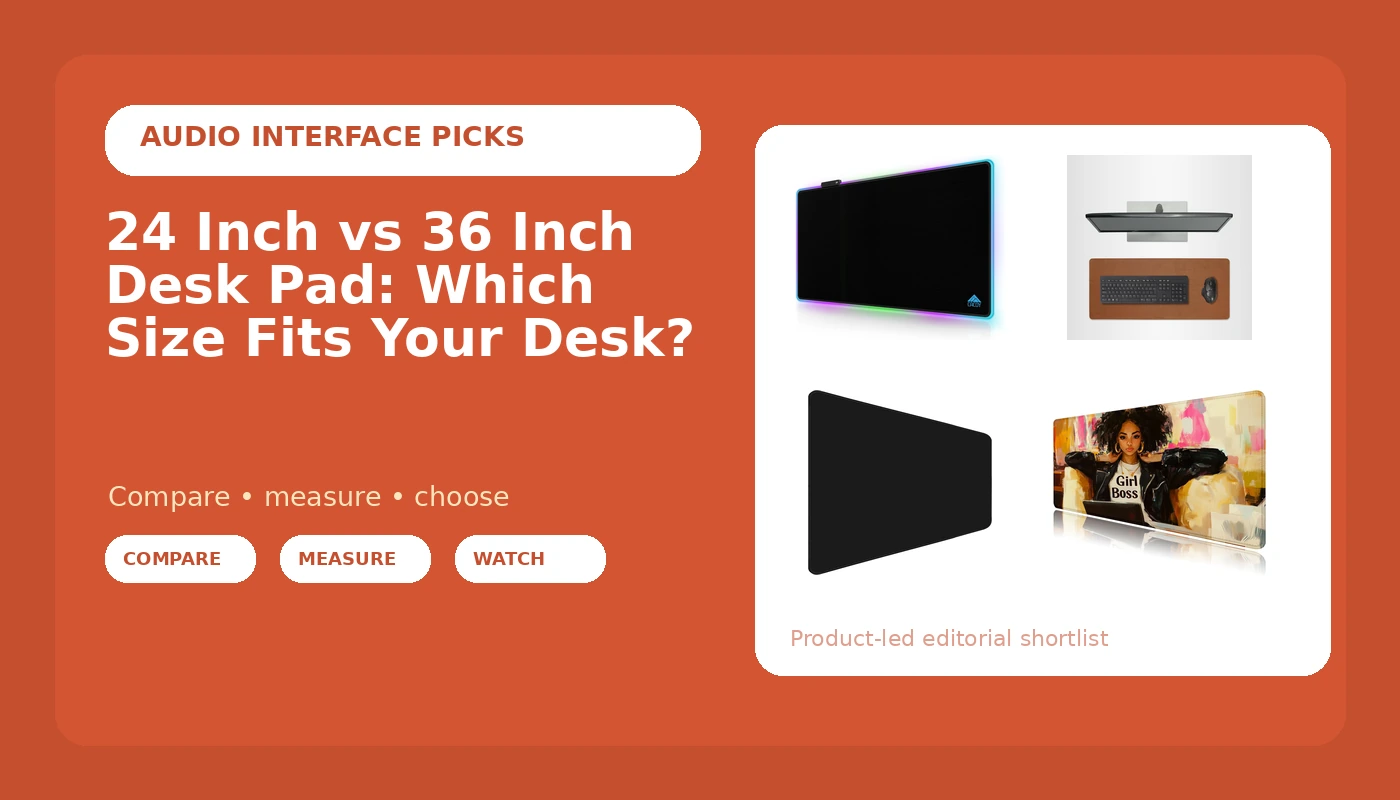
The 24 inch vs 36 inch desk pad question is not about aesthetics. It is about where your keyboard sits, how far your mouse arm swings, and whether the front edge of the mat lands under your wrist or under your coffee mug. I spent nine years in Seattle buying furniture for 400-person floors, then six more running a two-person desk setup service that has built out 310 home offices. Every one of those jobs started the same way, with a tape measure on the desktop, because "large" and "big" are marketing words and inches are not.
Related: Desk cable management that survives a monitor arm
For a desk 55 inches wide or more with a full-size keyboard, buy the 36 inch pad. For a desk under 44 inches, or a compact keyboard with the mouse running on bare desktop, buy a 24 inch pad. The 24 inch vs 36 inch desk pad split is clean at both ends and messy in the middle, which is exactly where three of these four pads sit.
Four pads, four different answers:
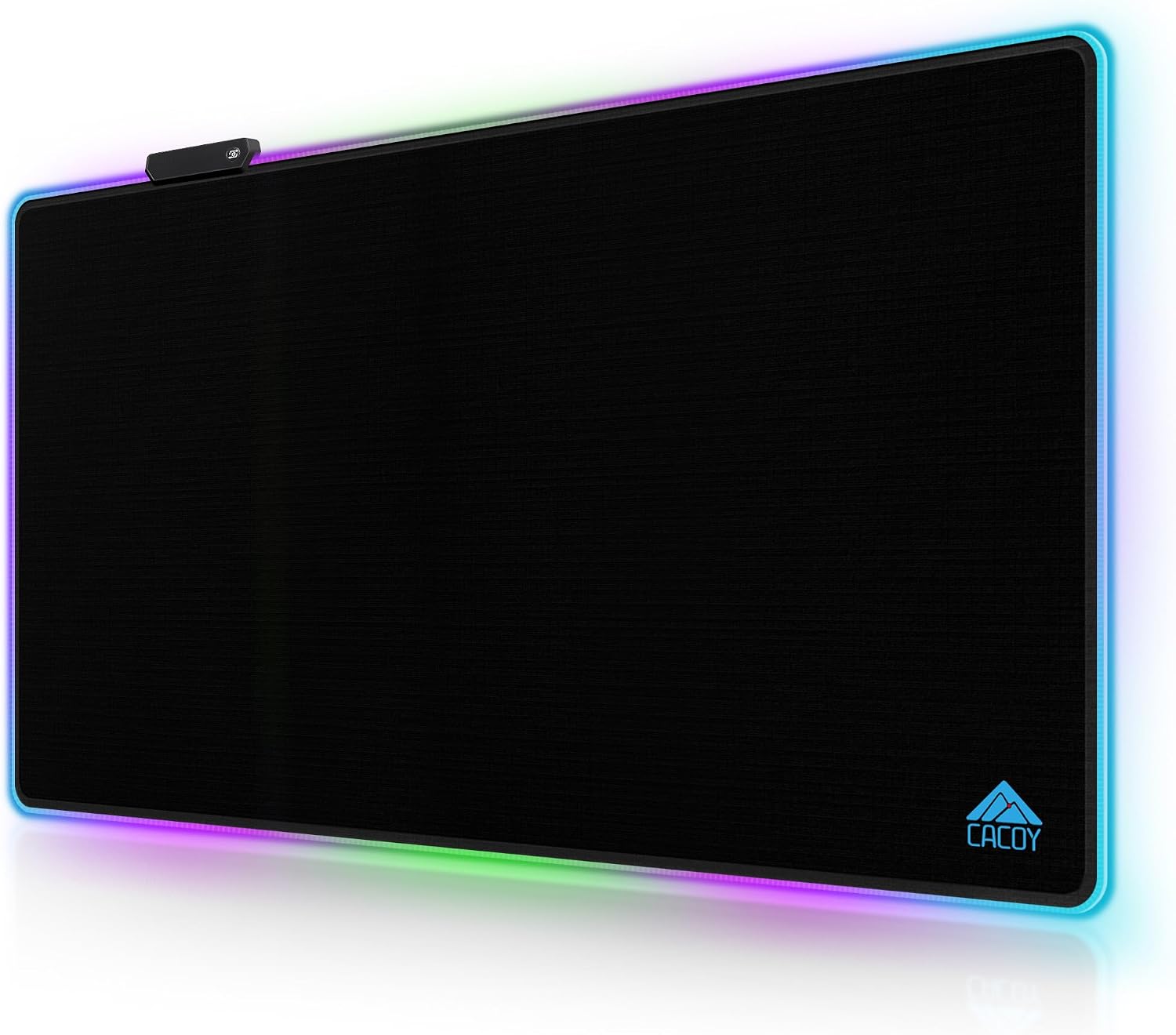
Cacoy 36"x24" RGB Gaming Mouse Pad, LED Desk Mat for Keyboard & Mouse, Black
The only pad here with a stated 36 by 24 inch footprint, so it covers a full-size keyboard and both mouse arcs
Needs a USB port you were probably saving for something else, and a lit edge is not for every room
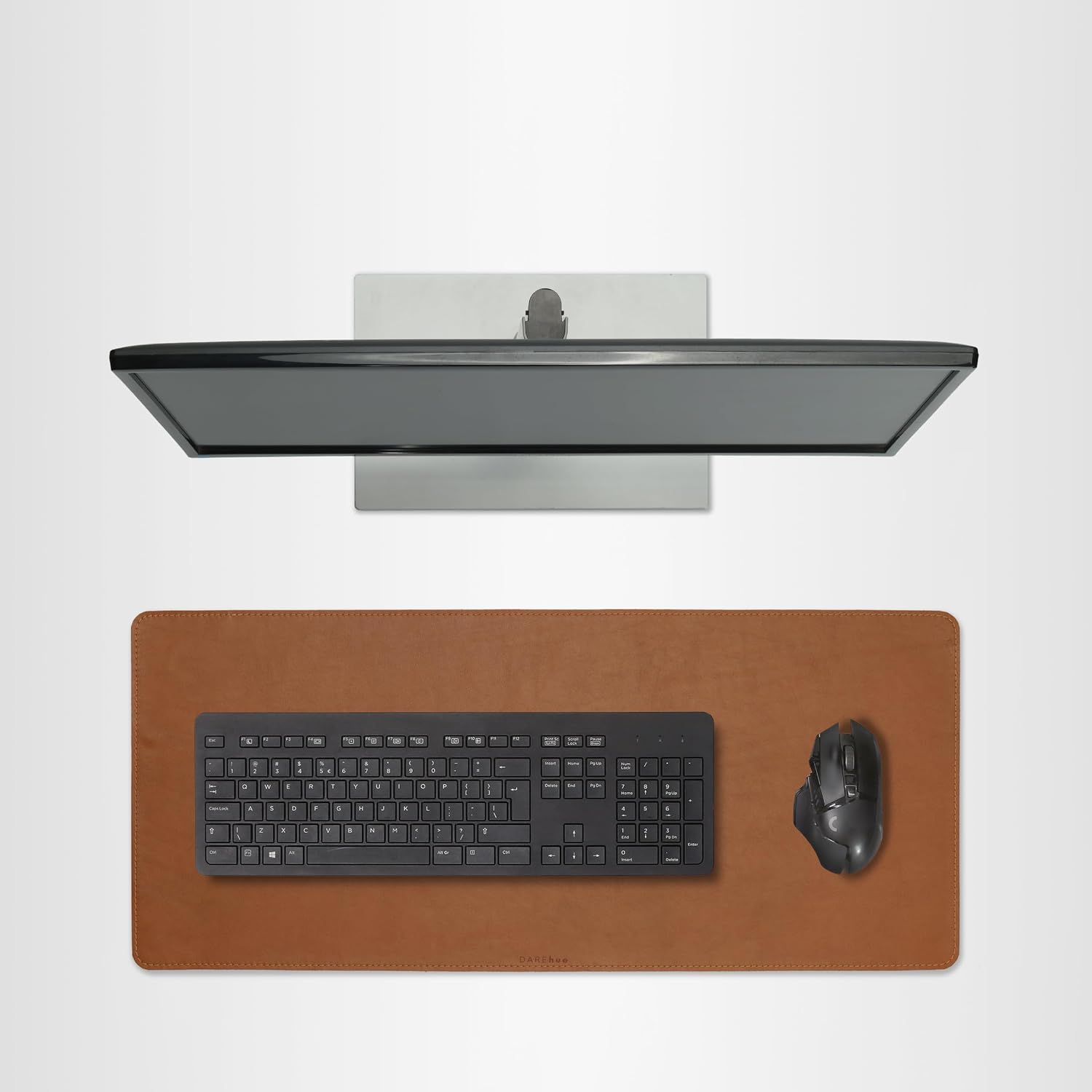
Full Grain Leather Desk Pad, Toffee Tan Brown, L (27.6 x 11.8 inch)
Stated 27.6 inch width clears a full keyboard plus mouse, and leather reads as furniture rather than gaming gear
The 11.8 inch depth leaves no room for a wrist rest, and leather wants a wipe every few weeks
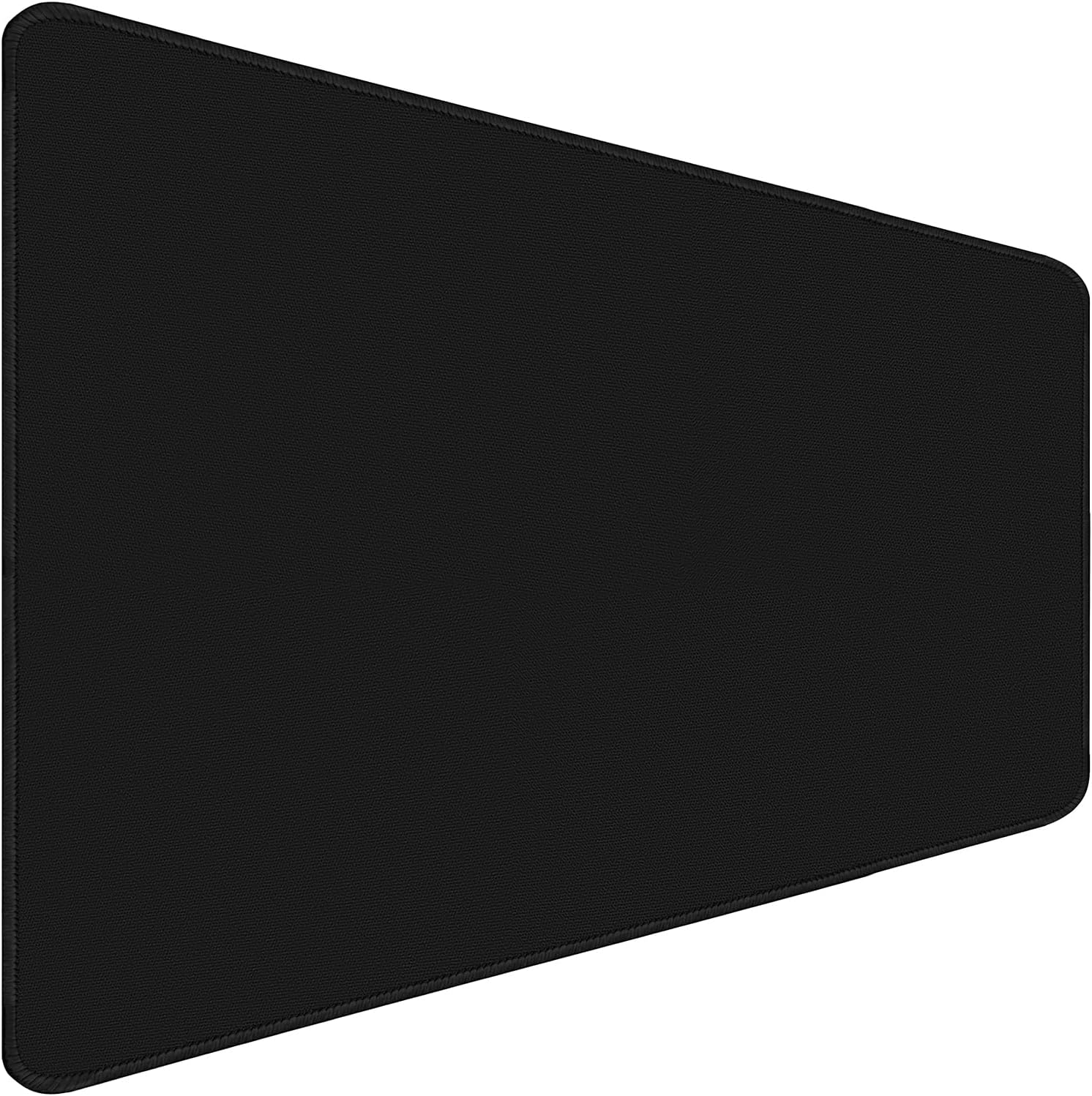
Large Mouse Pad Desk Mat Office Desk Pad with Stitched Edges, Black
Stitched edges stop the fraying that kills cheap mats, and plain black disappears under a keyboard
The listing says Large instead of a number, so you confirm the footprint before ordering

Girl Boss Mouse Pad, Desk Pad Mat, Mouse Pads for Desk, Big Mousepad
The budget way to get a wide surface under a laptop keyboard, and easy to replace
No stated dimensions, and the print is a statement on a camera-facing desk
Prices and availability may change.
What the 24 inch vs 36 inch desk pad difference actually measures
A pad's width does three jobs at once. It sets how much room your keyboard has before the pad runs out, how far your mouse travels before you lift and re-center it, and whether the pad's edge sits under your forearm. That third one is the difference between a smooth surface and a seam you feel every time you reach for the mouse.
A full-size keyboard eats most of a 24 inch pad. You get the board, a few inches of mouse room, and nothing left for a notebook, a mug, or a phone. Move to 36 inches and you keep the same keyboard, gain real mouse travel on both sides, and pick up leftover space for the small things that otherwise skate around on bare laminate.
Depth is the number that surprises people. Most pads in this category are sold by width, with depth landing somewhere in the low teens of inches, and that depth decides whether your palm rests on the mat or on the desk. The Cacoy mat states both numbers outright at 36 by 24 inches. The leather pad states 27.6 by 11.8 inches. Those are the only two footprints I can quote without guessing, and that tells you plenty about how this category gets listed.
There is also a real difference between 24 inch and 36 inch desk pad behavior when your mouse leaves the surface. On a 24 inch pad the mouse regularly rolls off onto the desk, which changes tracking height by a couple of millimeters and shows up as a small cursor jump. On a 36 inch pad that almost never happens, because the mat is wider than your swing.
How I measure a desk before I pick a pad
The order matters, and it is the same order I use on a client site.
- Clear the desktop completely. A pad measured around a monitor stand is measured wrong.
- Measure the front edge, side to side, at the front lip. Many desks are trapezoidal, so the rear measurement is often wider than the front.
- Measure again between the inside faces of the legs on a trestle or A-frame desk. The mat can overhang the gap, but it cannot be wider than the gap plus whatever overhang you are willing to live with.
- Mark where the monitor arm clamp lands and where the cables drop. Those two spots are non-negotiable.
- Subtract roughly 6 inches from the front-edge measurement for clamp footprint and cable clearance. What is left is your usable mat width.
Now apply it. A usable width of 30 inches or more takes the 36 inch pad, which is why I say a 55 inch desk is the floor for a 36 inch mat. Between 24 and 29 usable inches, a 24 inch pad fits with the mouse riding on the desk, or the 27.6 inch leather pad if you want the extra width and accept the shallower depth. Under 24 usable inches, you are in compact-keyboard territory and a 24 inch pad is the ceiling, not the starting point.
The four pads, and who each one fits
Cacoy 36"x24" RGB Gaming Mouse Pad: the full 36 inch answer
the Cacoy 36 by 24 inch RGB mat is the only pad in this group with a stated 36 inch width, which makes it the direct answer to the "should I go bigger" half of the question. At 36 by 24 inches it covers the keyboard, both mouse arcs, and the front half of the desk, and the lit edge doubles as a bias light behind the keyboard so you can run the room dimmer.
The trade-off is power and cable count. An LED mat needs a USB port, and on a two-port monitor hub that port was probably reserved for something else. Route the cable before the mat goes down, not after, because a mat that gets lifted twice never sits flat again. This is also the pad that shows dust fastest, since a black surface with a lit edge reads every speck.
Full Grain Leather Desk Pad, Toffee Tan Brown, L (27.6 x 11.8 inch): the 27.6 inch middle path
this full grain leather pad is what I put on a desk where the owner cares how the desk looks on a call. Toffee tan full grain leather, stated at 27.6 by 11.8 inches: wide enough for a full-size keyboard plus mouse, shallow enough that it reads as a writing surface instead of a gaming mat.
The 11.8 inch depth is the number to check. There is no room in front of the keyboard for a wrist rest, so if you rest your palms on the desk while you think, this pad pushes your hands off the leather and onto bare desktop. Leather also wants a wipe every few weeks, and it is the premium-priced pick here.
Large Mouse Pad Desk Mat Office Desk Pad with Stitched Edges, Black: the quiet office default
the large stitched-edge office mat is the pad I hand someone who does not want to think about a desk pad at all. Black, stitched edges, no lighting, no print. Stitched edges matter more than they sound, because the cheap alternative is a cut edge that frays within a year of daily mouse traffic, and a frayed edge is the one failure you cannot hide with cable management.
The catch is in the name. It says Large, not a number. That means you confirm the footprint against your desk before you order, not after. If the stated width comes in near 24 inches, treat it as a compact-desk pad. If it comes in closer to 31 or 36, it covers a full-size keyboard and mouse together. I do not order a mat that will not tell me its width.
Girl Boss Mouse Pad, Desk Pad Mat, Mouse Pads for Desk, Big Mousepad: the budget full-width pick
the Girl Boss desk pad is the budget way into a wide surface. It is honest about what it is: a big printed mousepad. If your desk is shared, or your setup is a laptop on a riser with a keyboard in front, a wide soft mat under everything stops the keyboard from sliding and stops the desktop from getting scuffed.
Two caveats. The listing says Big rather than giving inches, so the same rule applies: confirm the footprint first. And the print is a statement. That is fine on a home desk and less fine on a camera-facing desk in a conservative office. Buy it for the width and the budget, not for the design.
Desk width is the gate, not the pad
Here is the rule I use when someone asks me about a 24 inch or 36 inch desk pad without telling me their desk width. I will not put a 36 inch mat on a desk narrower than 55 inches, and I will not put a 24 inch mat on a desk narrower than 40 inches. Under 40 inches you should be looking at a laptop stand and a compact keyboard, not a full-width mat.
The reason is simple. A mat should cover the work, not the whole desk. You need surface on both sides of the mat for the mouse to leave and come back, plus clearance at the rear for the monitor arm clamp and the cable drop. Give me the desk width and the answer takes ten seconds.
Material and surface: what each one does to mouse tracking
Cloth and leather behave differently under a mouse, and neither is automatically better. Cloth gives you more friction, which means more control and a slightly slower glide. Leather gives you a faster, slicker surface with more consistent feel across the whole pad, which is why the 27.6 inch leather option feels like a different product from the three cloth mats even at the same width.
The practical test is your grip. If you are a palm gripper who plants the mouse and drags, cloth at 24 or 36 inches both work. If you flick the mouse with your fingertips, leather or a dense cloth surface suits you better, and a cheap low-density mat will feel mushy under a fast stop. This is also where mat density quietly decides how long the pad lasts.
Mat thickness and mat density: the two specs nobody lists
Mat thickness in this category runs from a thin sheet to a padded mat, and thicker is not automatically better. A thick pad raises your palm relative to the keyboard, which changes your wrist angle by a few degrees. If you are already fighting wrist extension at the end of a long day, a thin mat plus a proper keyboard height beats a thick mat every time.
Mat density is the spec that predicts lifespan. A dense mat recovers after the mouse presses into it; a cheap one compresses into a permanent divot under the mouse within a few months, and once that divot forms the surface is done. Neither number appears on most listings. Press a thumbnail into the corner when it arrives. If it does not spring back, send it back.
Cable management is part of the size decision
A wider pad covers more of the cable run, which sounds like a win and often is not. If your cables run along the back edge of the desk, a 36 inch mat can hide the first stretch of a raceway and leave the rest exposed, which looks worse than no mat at all. Plan the run before you size the pad.
What I do on a client desk: a cable sleeve for the monitor and USB bundle, an adhesive clip every 8 to 10 inches along the back edge, and a raceway under the desk for the power brick. Then I size the mat to the space that is left. If the mat's back edge lands on top of the clip line, the clip line moves back two inches before anything gets stuck down.
One more count: an LED pad adds a cable to that bundle. If your sleeve is already full, that is a reason to pick a pad without lighting.
Lighting, footrest angle, and the rest of the room
Two problems get blamed on desk pads that are not the pad's fault. The first is glare. A leather surface reflects, and a 36 inch pad gives that reflection more area to work with. If your desk lamp lumens are already high and aimed at the work surface, a matte black cloth pad beats a glossy one.
The second is footrest angle. A thicker pad does not change your footrest, but it does raise your seated height by a few millimeters, and if your chair is already maxed out at its lowest setting, that is one more variable stacked on a setup that has no room for it. Fix the chair first, then buy the mat.
Who should skip each pad
Skip the 36 by 24 inch Cacoy RGB mat if your desk is under 55 inches wide, if you have no spare USB port, or if a lit edge would distract you in a dark room.
Skip the leather pad if you use a wrist rest, if you want a surface wider than 27.6 inches, or if you eat lunch at your desk. Leather and crumbs are a bad pairing.
Skip the stitched-edge office mat if you need a stated width before you order and the listing will not give you one. That is not a flaw in the mat, it is a flaw in the listing, and you should not pay to find out.
Skip the Girl Boss pad if you need a stated footprint, if your desk is under 40 inches, or if your setup is on camera for work and the print would be a distraction.
The questions I get most
Is a 24 inch or 36 inch desk pad better for a small desk? The 24 inch, unless the desk is at least 55 inches wide. Under 44 inches a 36 inch mat leaves no surface for the mouse to leave and return, and you spend the day fighting the edge.
What is the difference between 24 inch and 36 inch desk pad behavior with a full-size keyboard? Mouse travel, mostly. A full-size board eats most of the 24 inch width, so you get a few inches of arc. On 36 inches you get a real arc on both sides plus room for a notebook.
36 inch desk pad vs 24 inch for a laptop setup? Neither is required. A laptop on a riser with an external keyboard is the one case where a 24 inch pad is plenty, and the extra width of a 36 inch mat just collects clutter.
Will a bigger pad stop my desk from wobbling? No. Wobble lives in the frame and the joints, and it shows up at standing height. A mat hides a scratch, not a sway.
What I would do
On a 60 inch desk with a full-size keyboard, I would take the 36 inch Cacoy if I had a USB port to spare and wanted the lighting, the leather pad if I wanted the desk to look like furniture, and the stitched black mat if I wanted to stop thinking about it. On a 44 inch desk I would take none of the 36 inch options, buy a 24 inch pad, and keep the mouse on the desktop.
That is the whole decision. Measure the front edge of the desk, subtract six inches, and let the number pick the pad. The 24 inch vs 36 inch desk pad argument ends the moment you know your own desk width, and it never ends if you keep shopping by the word "large."